status
•
Taking care
of your
PhotoFrame™
Optimizing PhotoFrame™
Selecting brightness, language and set time functions
Use this section to select PhotoFrame™ brightness levels and on-screen information displ
turn-off and turn-on time for PhotoFrame™!
Setting a general brightness level
•
Press the key (the 3
rd
key from the left on the rear of PhotoFrame™).
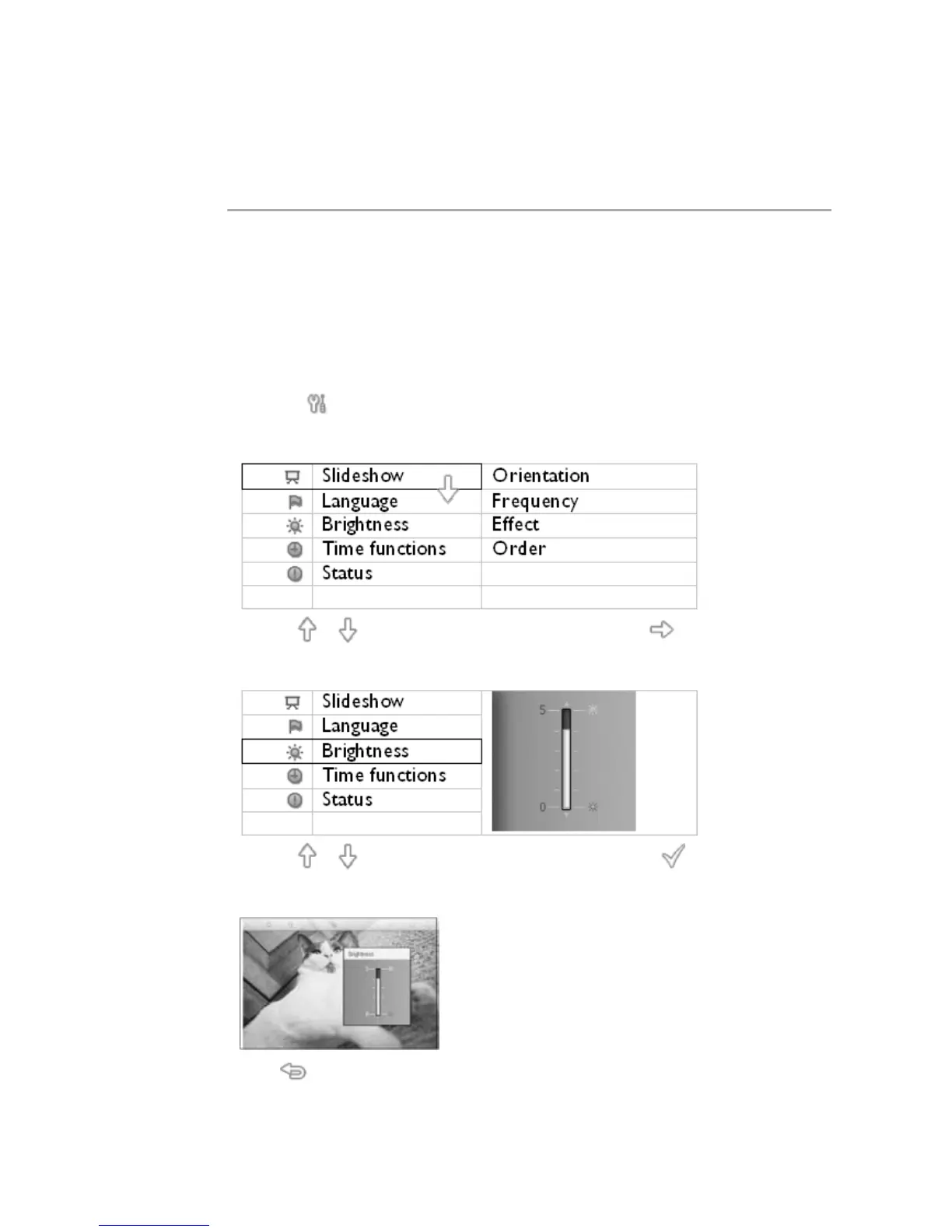
A menu with general settings for PhotoFrame™ will appear.
•
Use the or key to highlight Brightness. Next press the key to select.
A brightness bar with scales and current value will appear.
•
Use the or key to modify the brightness level and press to confirm and exit
the menu.
Now your selected settings is confirmed.
•
Press to leave this menu.
Setting your local time
•



 To Next Page