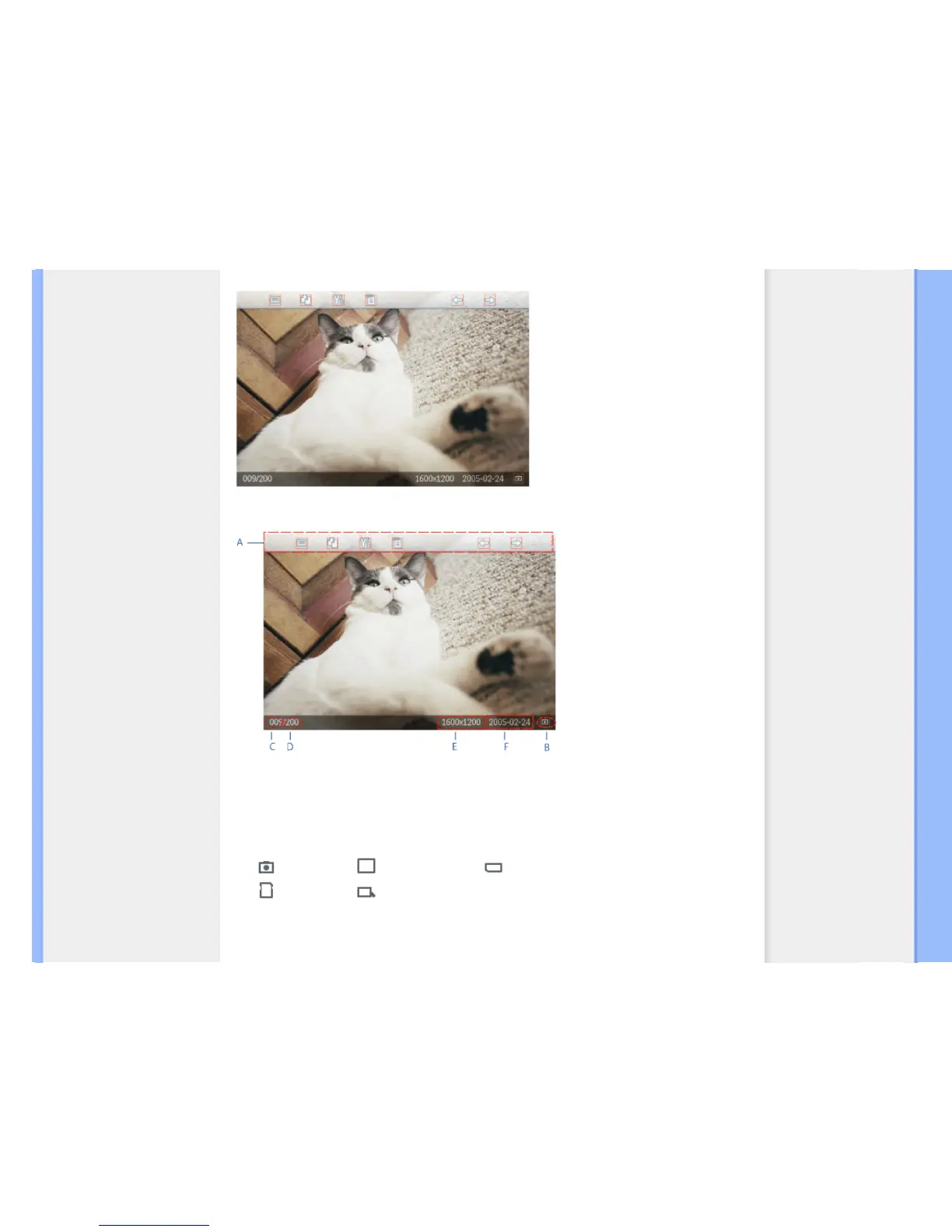
BROWSE—Manual viewing of photos one-by-one. (Displays size and date)
Each icon represents the function of the corresponding key in the rear of Photo Display.
A
Each icon represents the function of the corresponding
key in the rear of Photo Display.
B Source of photos on screen
Camera Compact flash Memory stick
SD, MMC Photo Display
C Current Photo number



 To Next Page