D Total photo count
E Resolution of current photo (in pixels)
F Date current photo was taken
RETURN TO TOP OF THE PAGE
Viewing photos on Photo Display
•
Remove any memory card or digital camera connection from photo Display.
Photos stored in the Photo Display will appear.
Viewing photos from a memory card
•
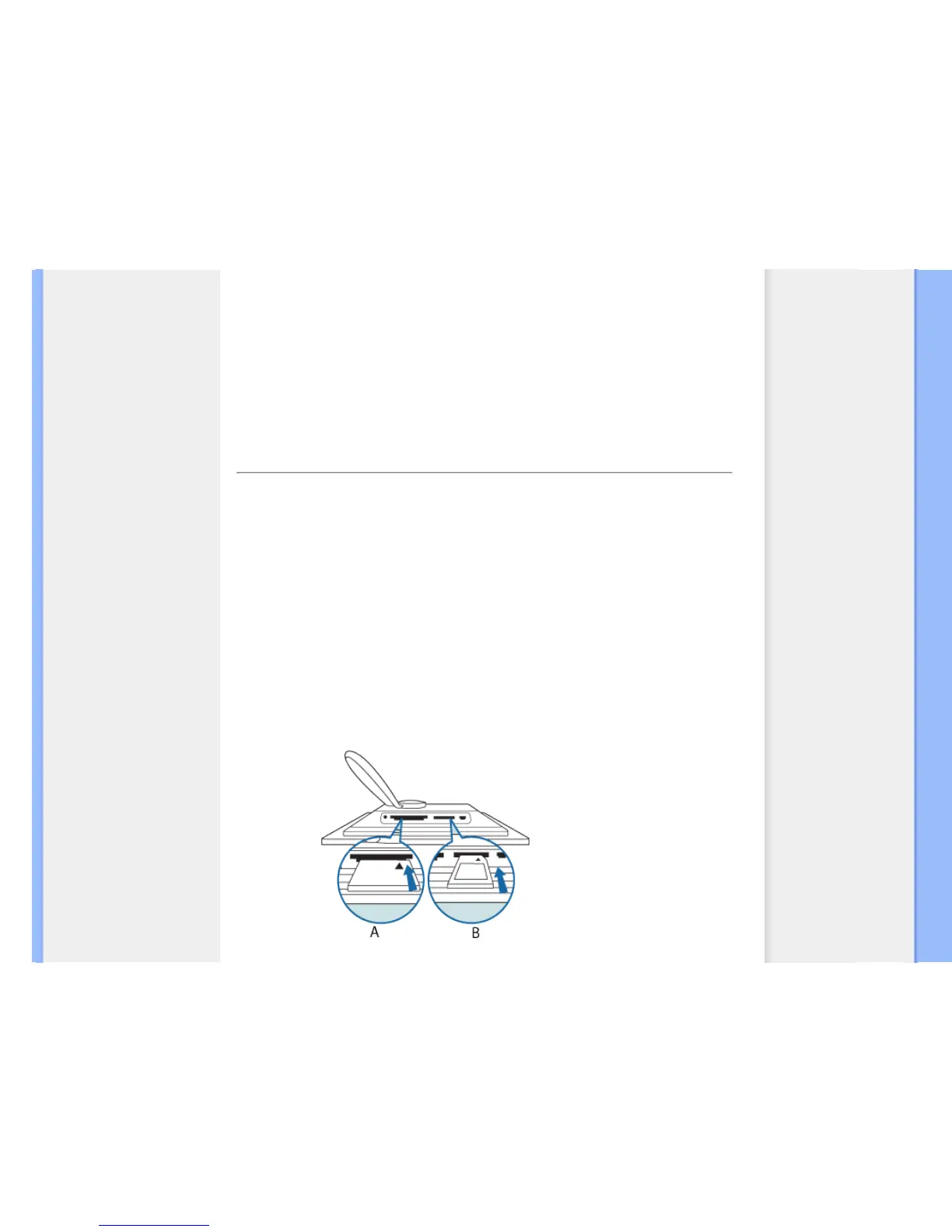
Insert the memory card into the slot in the frame:
•
For Compact Flash card, firmly slide card in the larger slot end first and face DOWN.
•
For SD, MMC, or Memory Stick card, slide card in the smaller slot end first and face UP
until it locks in-place.
After a few seconds photos on the memory card will display.
How to remove a memory card:
To remove Compact Flash card, pull out the card slowly.
To remove SD, MMC, or Memory Stick card, push the card again to unlock and then pull
out the card.



 To Next Page