A CF Card
B SD/ MMC/MS Card
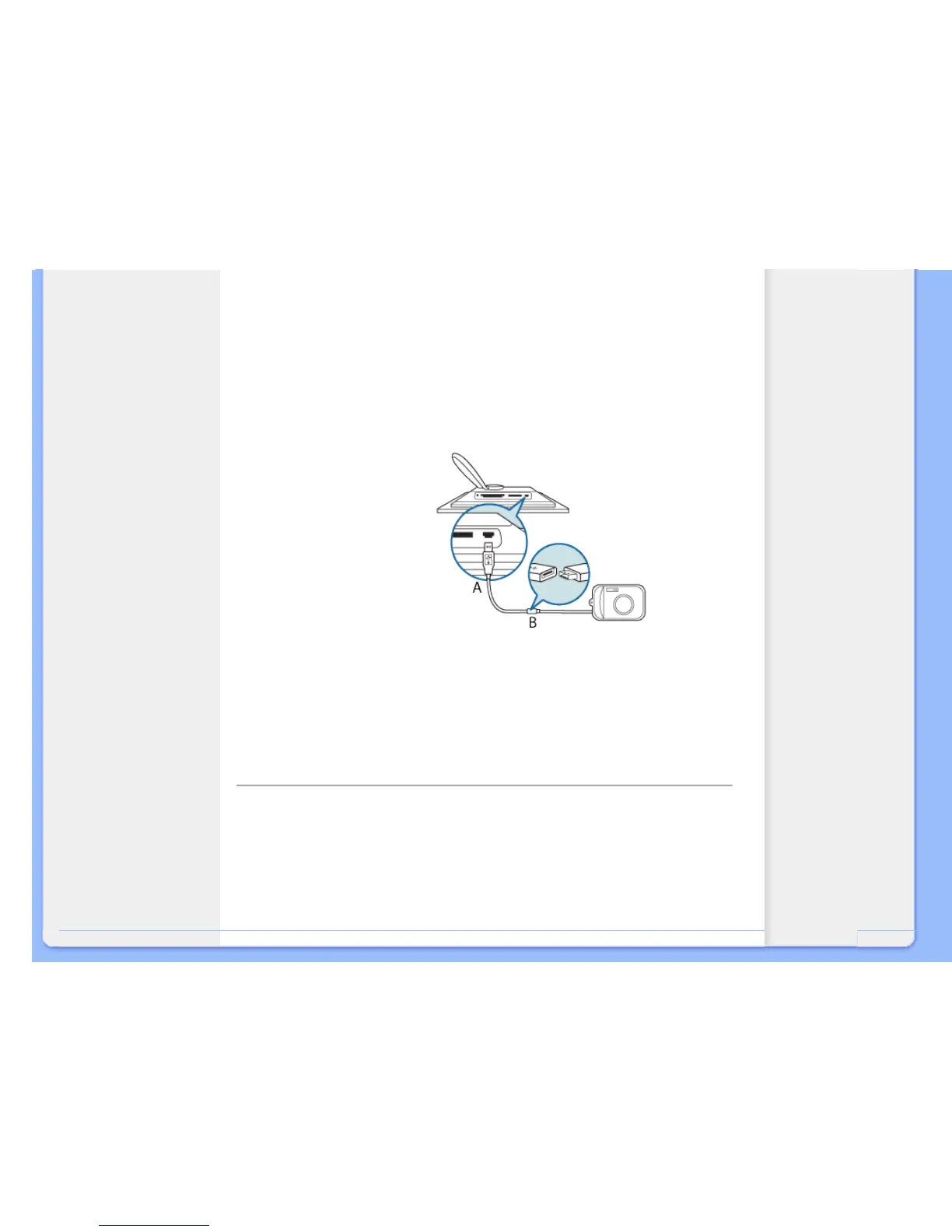
Viewing photos from a digital camera
•
Connect the supplied USB cable to Digital Camera to Photo Display.
•
Connect your digital camera to the USB cable that came with the camera.
•
Connect the two USB cables and switch on camera in play mode.
(Note: Some cameras do not support direct playback)
After a few seconds photos on your digital camera will appear.
A
Supplied USB cable to Digital Camera
(female A type plug)
B Camera's own USB cable
RETURN TO TOP OF THE PAGE



 To Next Page