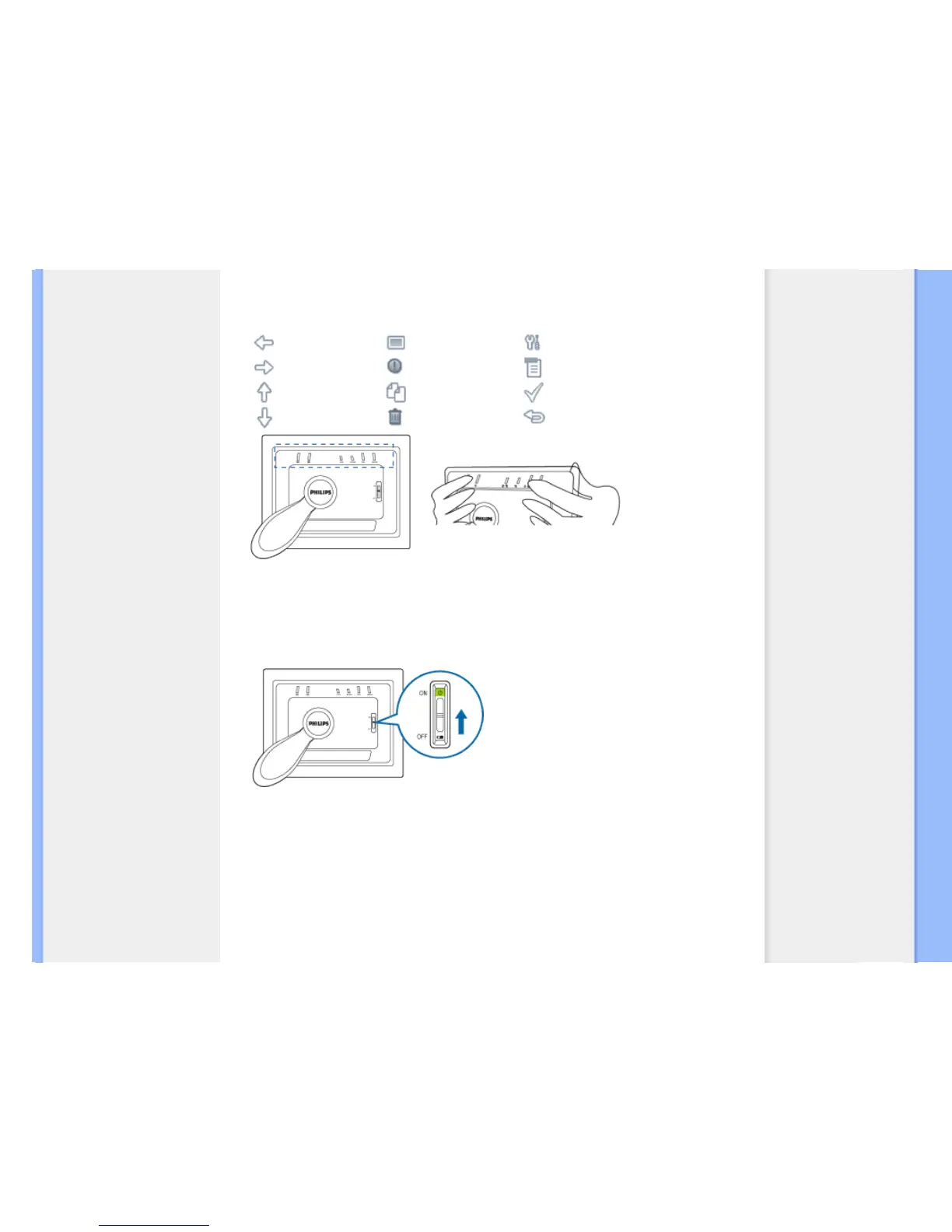
Locate control keys
Use your photo display by pressing the control keys in the back. LCD display also
shows the function icon for each key at the same position.
Previous/Left Switch view Setup
Next/ Right Show/ Hide icon Photo setting
Up Copy Confirm
Down Delete Escape
C. Turning on Photo Display
•
Slide the power switch up to the ON position.
The power LED will be green and the Startup screen will appear.
The following screen will appear, displaying a preloaded photo.



 To Next Page