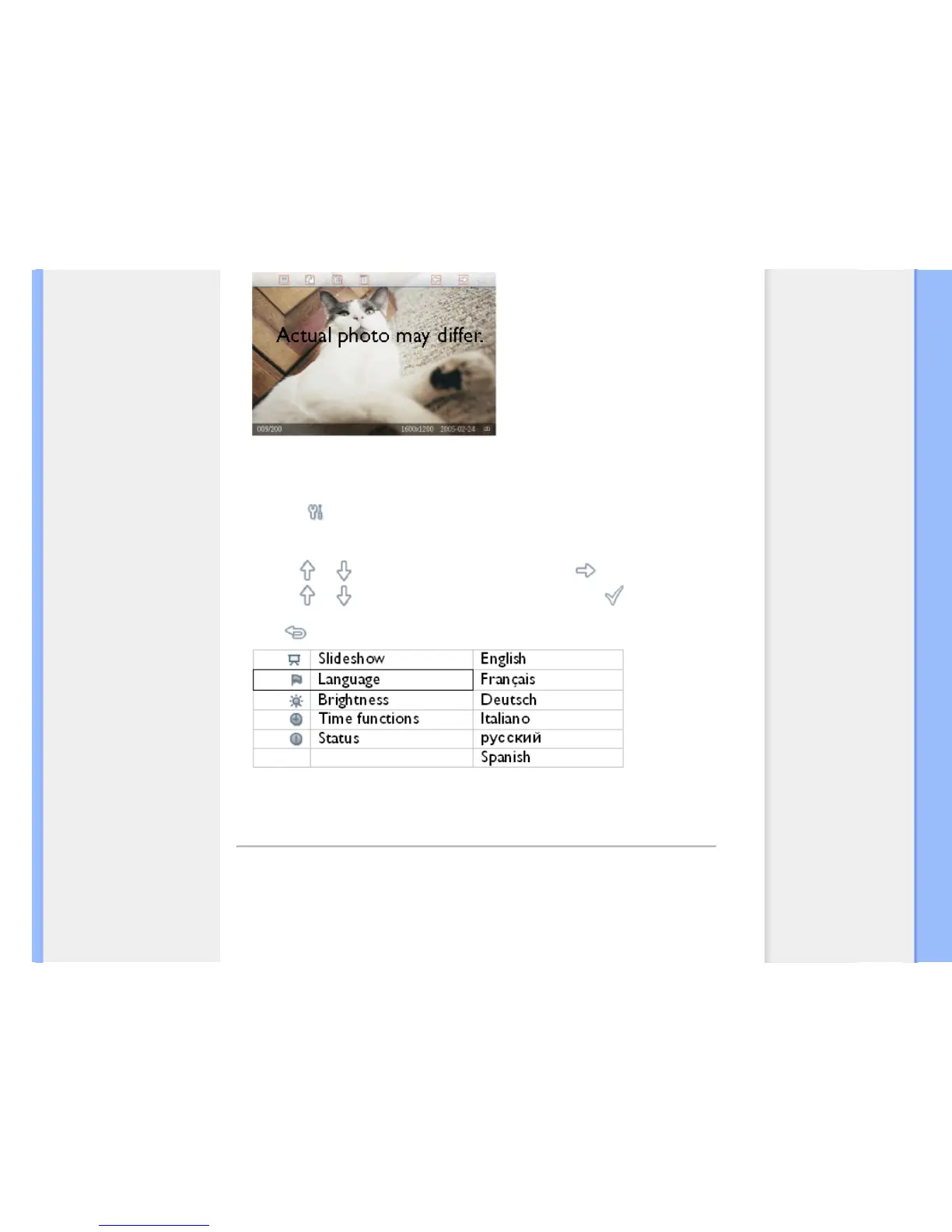
D. Choose your preferred language
•
Press the key (the 3
rd
key from the left on the rear of Photo Display)
A menu with general settings for Photo Display will appear.
•
Use the or key to highlight Language and press the key to select.
•
Use the or key to choose your preferred language. Press to confirm your
selection. The new setting will be effective immediately.
•
Press again to leave the Language menu.
RETURN TO TOP OF THE PAGE



 To Next Page