Digital Telephone Desktop 9850
19
Automatic download
You can configure the Desktop 9850 to automatically download finished recordings to the PC:
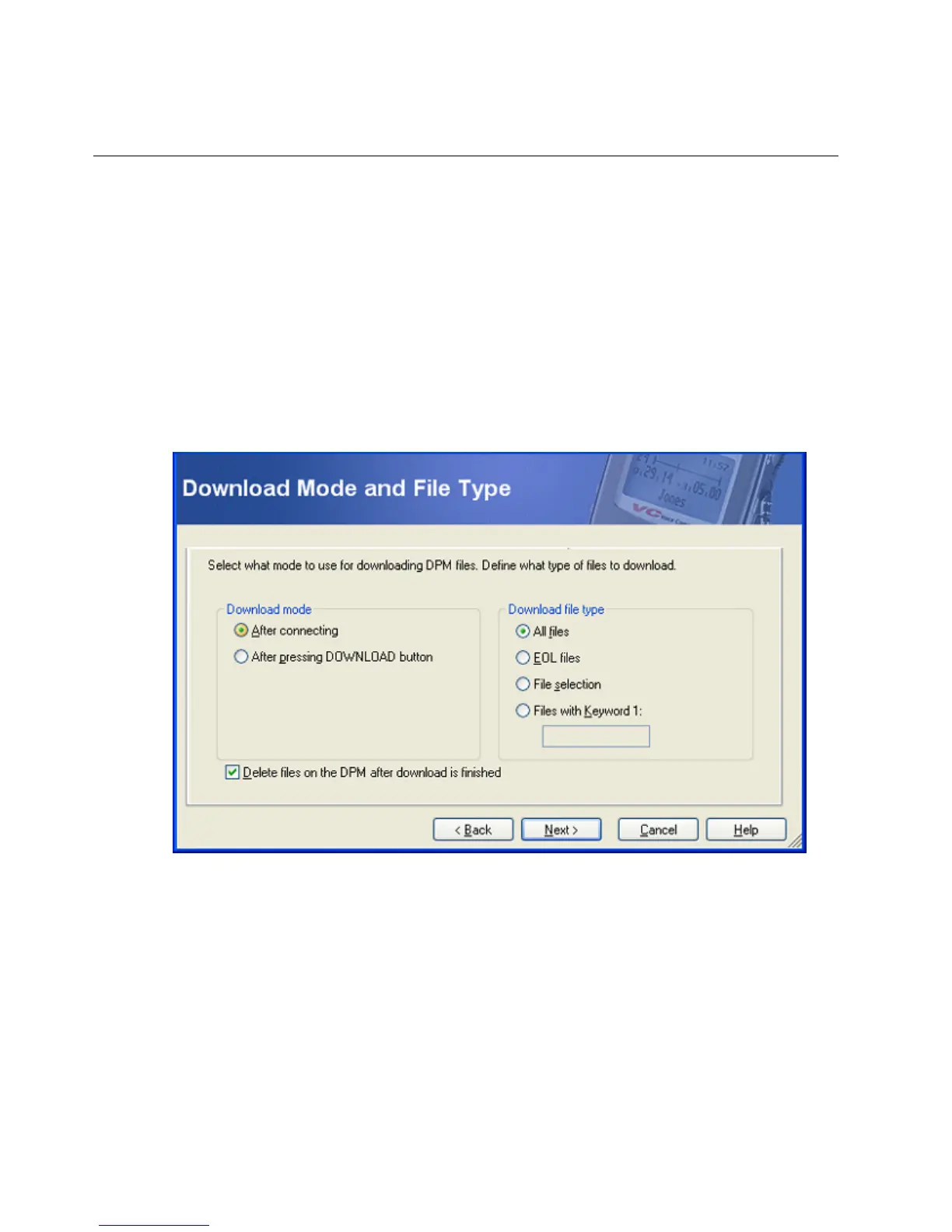
1. Open the software program, go to the DPM menu and select DPM Wizard.
2. On the Download Mode and File Type page select After connecting and All files.
3. Continue through the wizard; when you click Finnish the settings are transferred to the
Desktop 9850 connected.
For more information on the different configuration options and how to set the dictation
destination folder, refer to the online help or the user manual on the CD.



 To Next Page