Digital Telephone Desktop 9850
25
Telephone commands
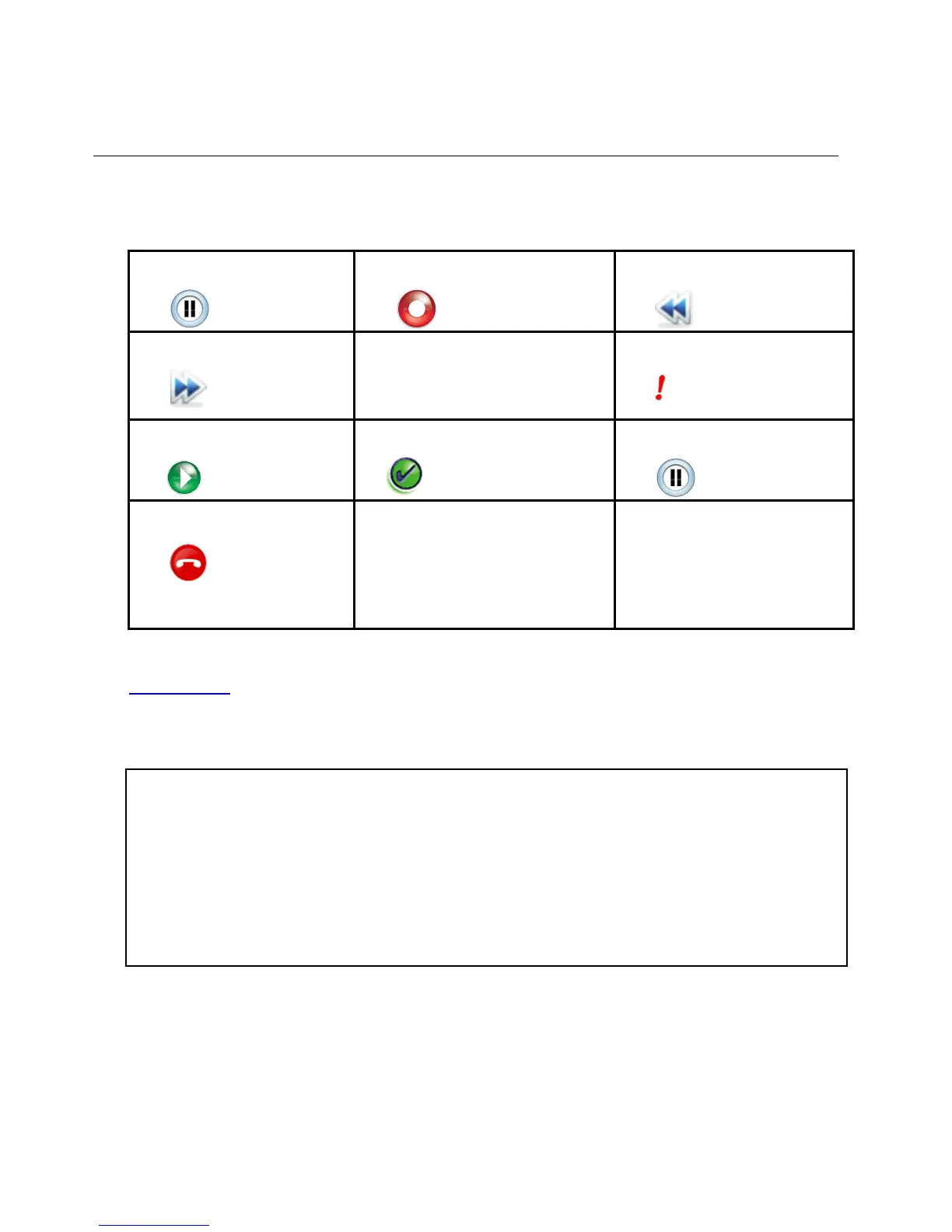
1 Pause (Stop) 2 Record 3 Fast Rewind
4 Fast Forward
5 Auto-backspace
ABS
6 Priority
7 Play
8 Next dictation
End-of-Letter
9 PAUSE (Stop)
* Hang up
Press * followed by #
0 Next dictation
End-of-Letter and assign
new work type code
# ENTER
a) Assign ID (< 4 digits)
b) Assign work type code
c) Hang up after * key
Please note: The commands Fast Rewind (3), Fast Forward (4) and Play (7) are available to
advanced users only.
Quick reference
Press 1 to pause the recording.
Press 2 to start recording.
Press 5 to activate Auto Back Space thus activate replay of last seconds recorded.
Press 6 to assign priority to the current dictation.
Press 8 to assign the End Of Letter attribute and start next dictation.
Press 0 to assign the EOL attribute & start next dictation with a new work-type code.
Press
* followed by # to disconnect.



 To Next Page