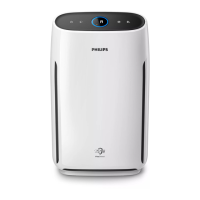
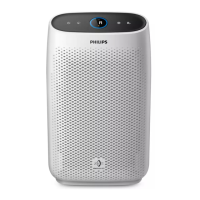
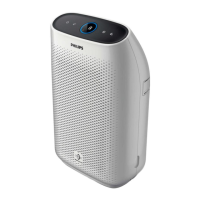
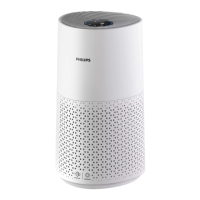
Turning on and o
Note
• Always place the air purifier on a
stable, horizontal, and level surface
with the front of the unit facing away
from walls or furniture.
• For optimum purification performance,
close doors and windows.
• Keep curtains away from the air inlet or
air outlet.
1 Put the plug of the air purifier in the
wall outlet.
2 Touch to switch on the air purifier
(Fig.j).
» The air purifier beeps.
» The air purifier operates under
the auto mode by default.
» When the air purifier is warming
up, “ ” displays on the screen.
» After measuring the air
quality for approximately
30 seconds, the air quality
sensor automatically selects
the appropriate air quality light
color.
3 Touch and hold for 3 seconds to
switch off the air purifier.
Note
• If the air purifier stays connected to
the electrical outlet after turning OFF,
the air purifier will operate under the
previous settings when turned ON
again.
• If the air purifier accidentally shuts off
during running, it restarts automatically
and operates under previous settings
when the power supply is resumed.
4 Using the air
purifier
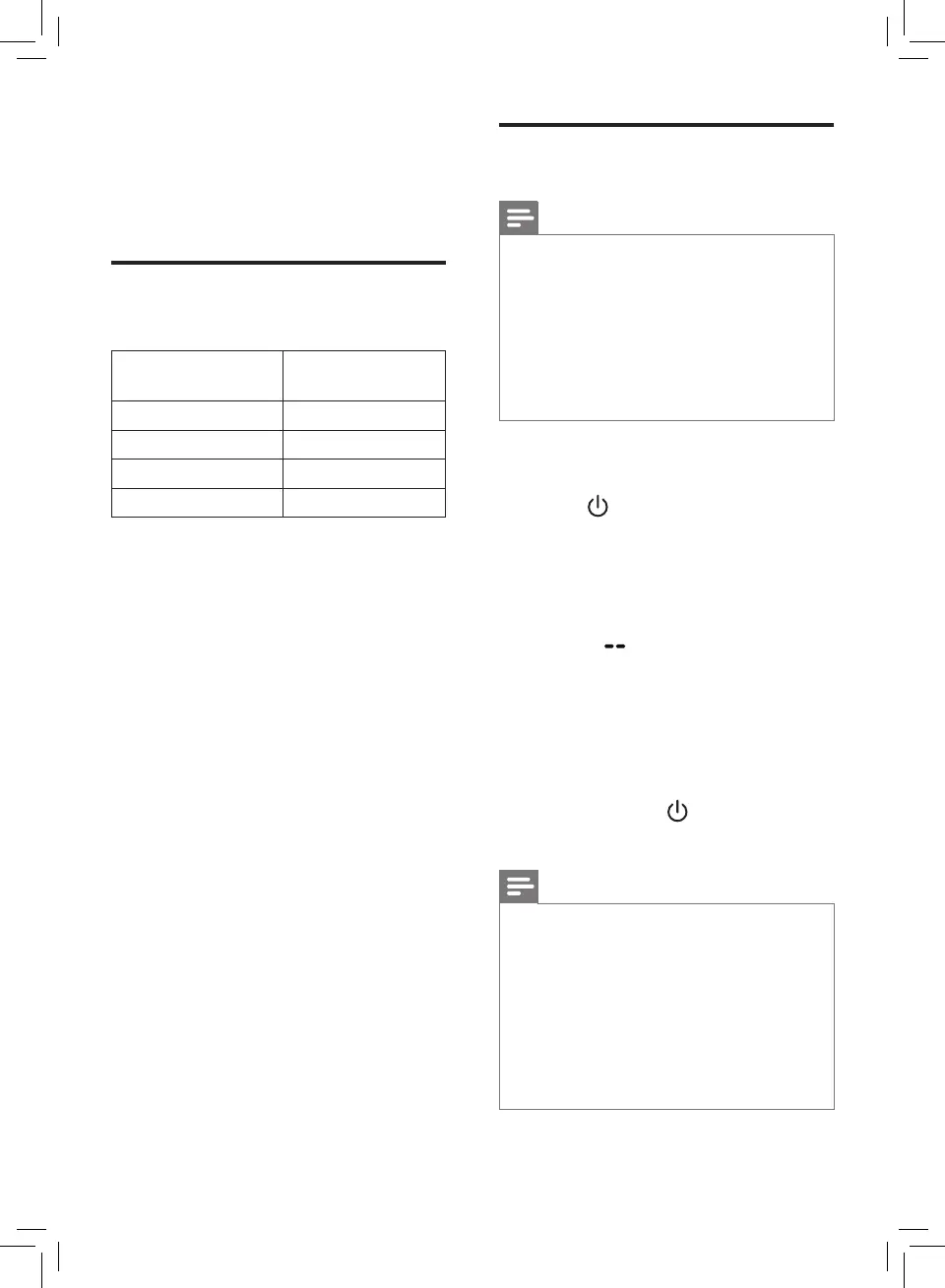
Understanding the air
quality light
Air quality light
color
Air quality level
Blue
Good
Blue-violet
Fair
Red-purple
Poor
Red
Very poor
The air quality light automatically goes
on when the air purifier is switched on,
and lights up all colors in sequence.
After approximately 30 seconds, the
air quality sensors select the color that
corresponds to the surrounding air
quality of airborne particles.
6 EN


 To Next Page
 Loading...