11
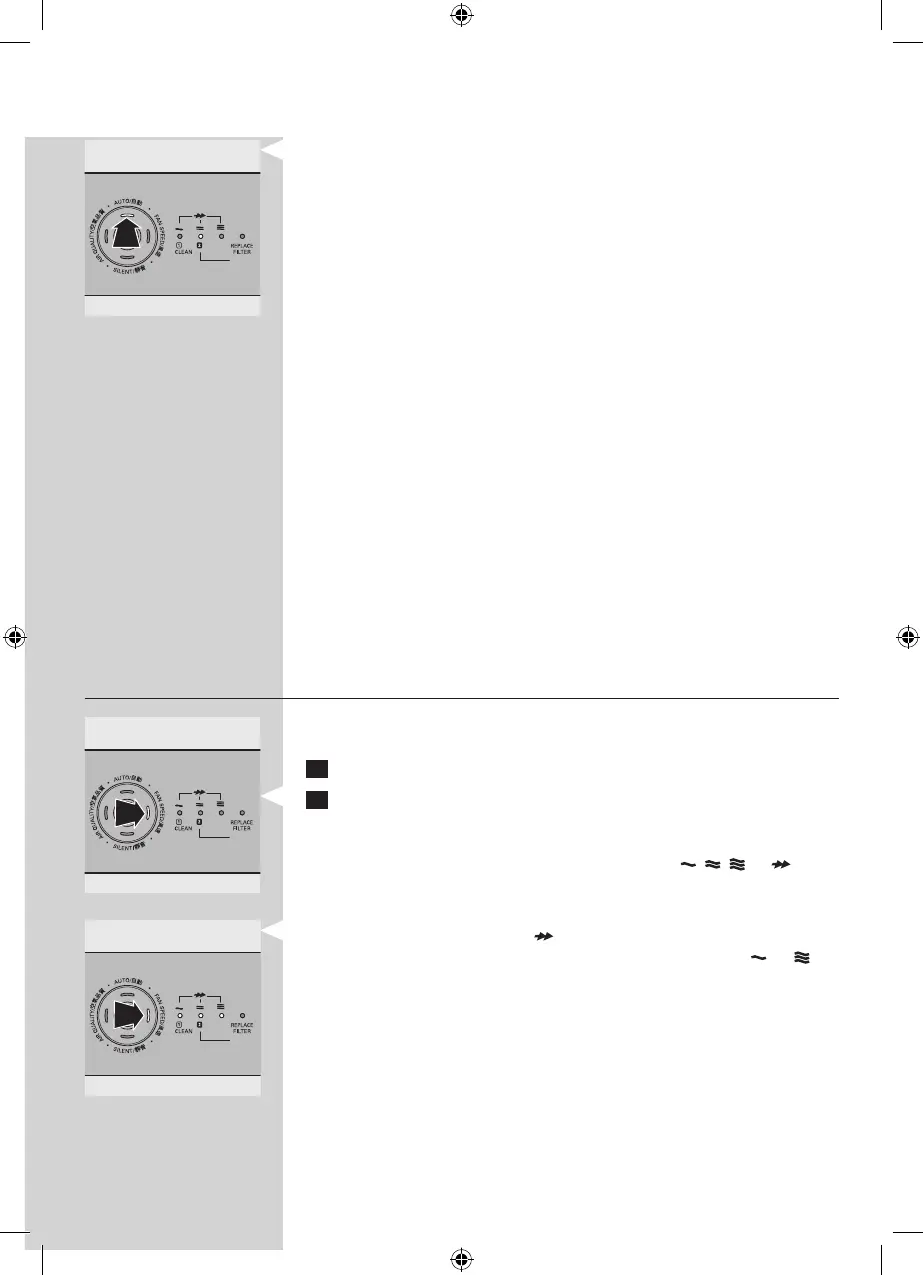
The FAN SPEED light indicates at which fan speed the
appliance is operating.
Note: When the air quality is very good and the appliance
operates at a very low fan speed, the FAN SPEED light for
the lowest speed setting does not go on. In this case only the
power-on light and the AUTO light are on.
Note: The built-in air quality sensor measures the air quality
and automatically selects the appropriate speed setting to
ensure the best possible air quality in your room. When the
air is clean, the appliance stops running. When the air quality
deteriorates, the appliance starts running at a low fan speed
and noise level so that the energy consumption is minimised.
Night mode
The appliance works in harmony with its surroundings. In auto
mode, the appliance automatically switches to night mode
when the room in which it is operating becomes dark. When
the room has been dark for 3 minutes, the lights of the
appliance go out, the fan speed and noise level are reduced
and the energy consumption is minimised. If the room
becomes bright again for 5 minutes or longer, the appliance
resumes normal operation.
Note: The night mode only works when the appliance is
operating in the auto mode.
Fan speed
If you do not use the auto mode, you can select the desired
fan speed yourself.
1 Press the on/o button to switch on the appliance.
2 Press the FAN SPEED button one or more times to select
the desired fan speed.
The corresponding fan speed light and the indications
above the lights show the set fan speed ( , , or ).
Note: Select boost power ( ) if you need an extra strong
airow when the air in the room is very dirty. Lights to
light go on.
▊☴㏨
ᴪᨑ☴㏨
▊☴㏨
ᴪᨑ☴㏨
▊☴㏨
ᴪᨑ☴㏨



 To Next Page