12
Silent mode
When you use the appliance in silent mode, it operates very
quietly.
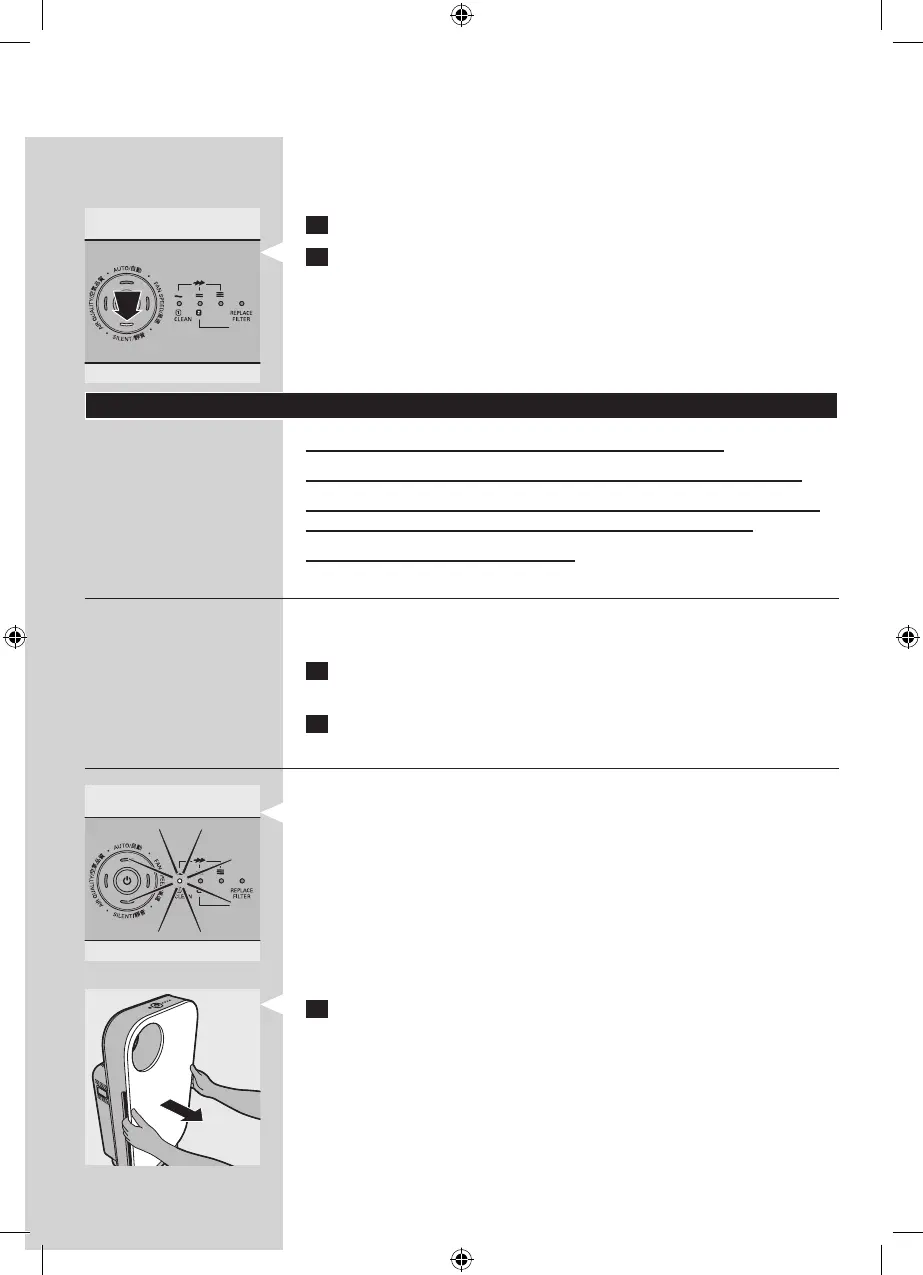
1 Press the on/o button to switch on the appliance.
2 Press the SILENT button to activate the silent mode.
The SILENT light goes on.
If you want to go back to the FAN SPEED mode or AUTO mode,
simply press the FAN SPEED or AUTO button.
Cleaning
Always unplug the appliance before you clean it.
Never immerse the appliance in water or any other liquid.
Never use aggressive or ammable cleaning agents such as
bleach or alcohol to clean any part of the appliance.
Only the pre-lter is washable.
Body of the appliance
Regularly clean the inside and outside of the body to prevent
dust from collecting on the inside and outside.
1 Wipe away dust with a soft dry cloth from the body of the
appliance.
2 Clean the air inlet and the air outlet with a soft dry cloth.
Pre-lter
The pre-lter is washable and vacuum cleanable.
- Clean the pre-lter when the rst lter replacement light
ashes to ensure optimal functioning of the appliance.
1 Place your ngers in the recesses of the side panels and
gently pull the top part of the front panel towards you. Then
lift the hooks at the bottom of the panel out of the bottom
of the appliance.
▊☴㏨
ᴪᨑ☴㏨
▊☴㏨
ᴪᨑ☴㏨



 To Next Page