15
Note: Only replace a lter when the lter replacement
light ashes. If you replace the lter before the lter
replacement light starts ashing, the lifetime counter will
not be reset but will continue counting the lifetime of the
previous lter. As a result, the lter replacement light will
start ashing much too soon.
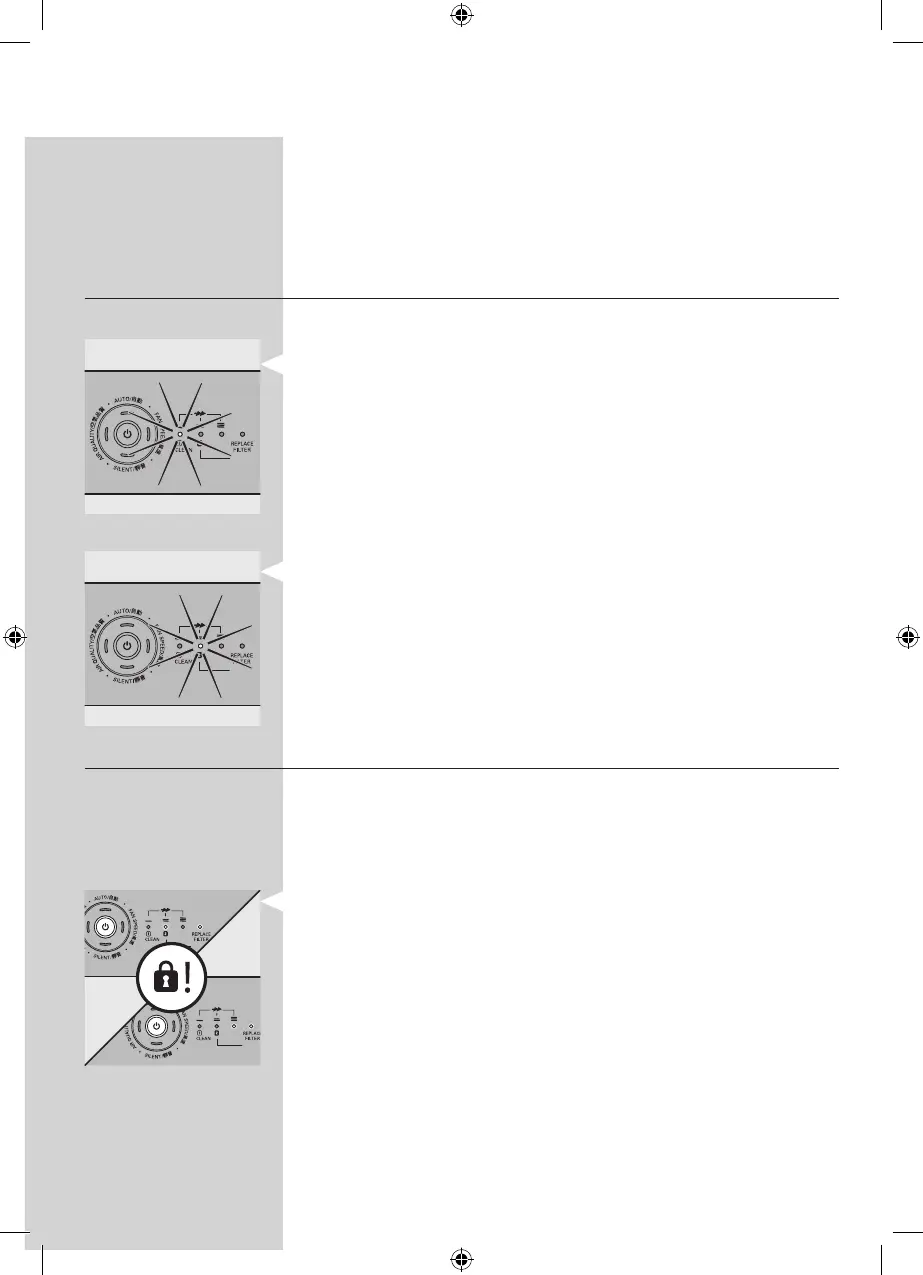
Filter replacement lights
The lter replacement lights indicate which lter has to be
cleaned or replaced.
- Filter replacement light 1 ashes: lter 1 (the pre-lter)
has to be cleaned. See chapter ‘Cleaning’ for further
instructions.
- Filter replacement light 2 ashes: the high-eciency
formaldehyde removal HEPA lter has to be replaced.
Healthy air protect lock
If you do not replace the lter in time, the appliance stops
operating approx. 2 weeks after the lter replacement light
started ashing. When the appliance is locked, it does not
operate until you have replaced with the new lter and pressed
the reset button.
Note: When lter replacement lights 2 and REPLACE FILTER
on the control panel are on continuously, the appliance is
locked (see section ‘Filter maintenance’ in this chapter for
more information).
How long it takes before the appliance is locked depends on
the operating time and speed level selected after the lter
replacement alert.
Approximately 1 day before the appliance locks, it beeps every
30 minutes to inform you that one of the lters needs to be
replaced.
When the appliance is locked, you hear a beep when you press
any button. You can switch o the appliance by pressing the
on/o button.
▊☴㏨
ᴪᨑ☴㏨
▊☴㏨
ᴪᨑ☴㏨



 To Next Page