8
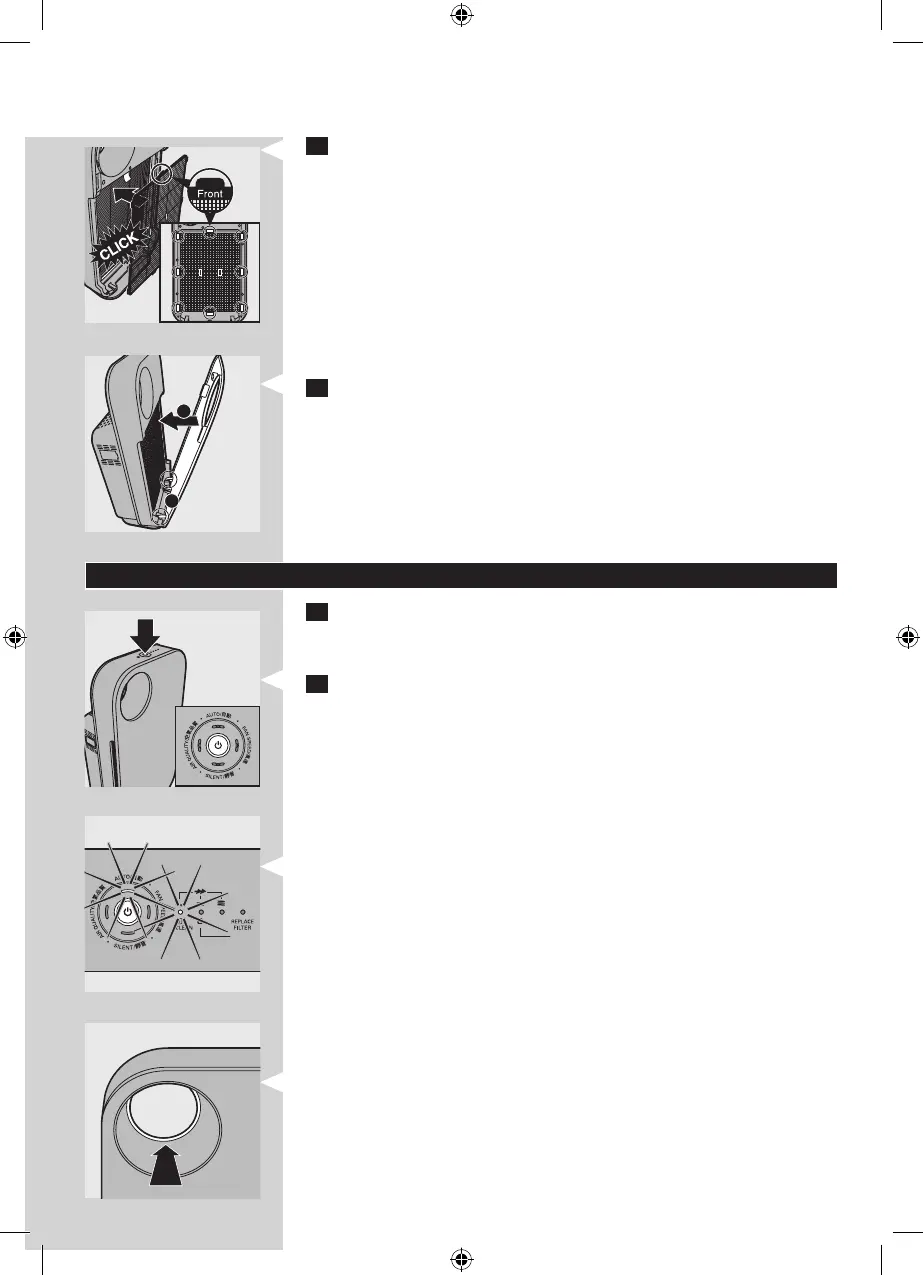
5 Place lter 1 (pre-lter) in the appliance.
Note: Make sure that the side with the two projections is
pointing towards you.
Note: Make sure that all hooks are properly attached to the
appliance.
6 To reattach the front panel, insert the bottom hooks into
the bottom of the appliance rst (1). Then push the panel
against the body of the appliance (2).
Using the appliance
1 Put the plug in the wall socket
All lights go on twice and you hear a beep. Then the lights
go out again.
2 Press the on/o button to switch on the appliance.
The power-on light, the AUTO light, and the AIR QUALITY
light on the control panel go on.
The air quality light ring shows the quality of the air.
1
2
▊☴㏨
ᴪᨑ☴㏨



 To Next Page