32 EN
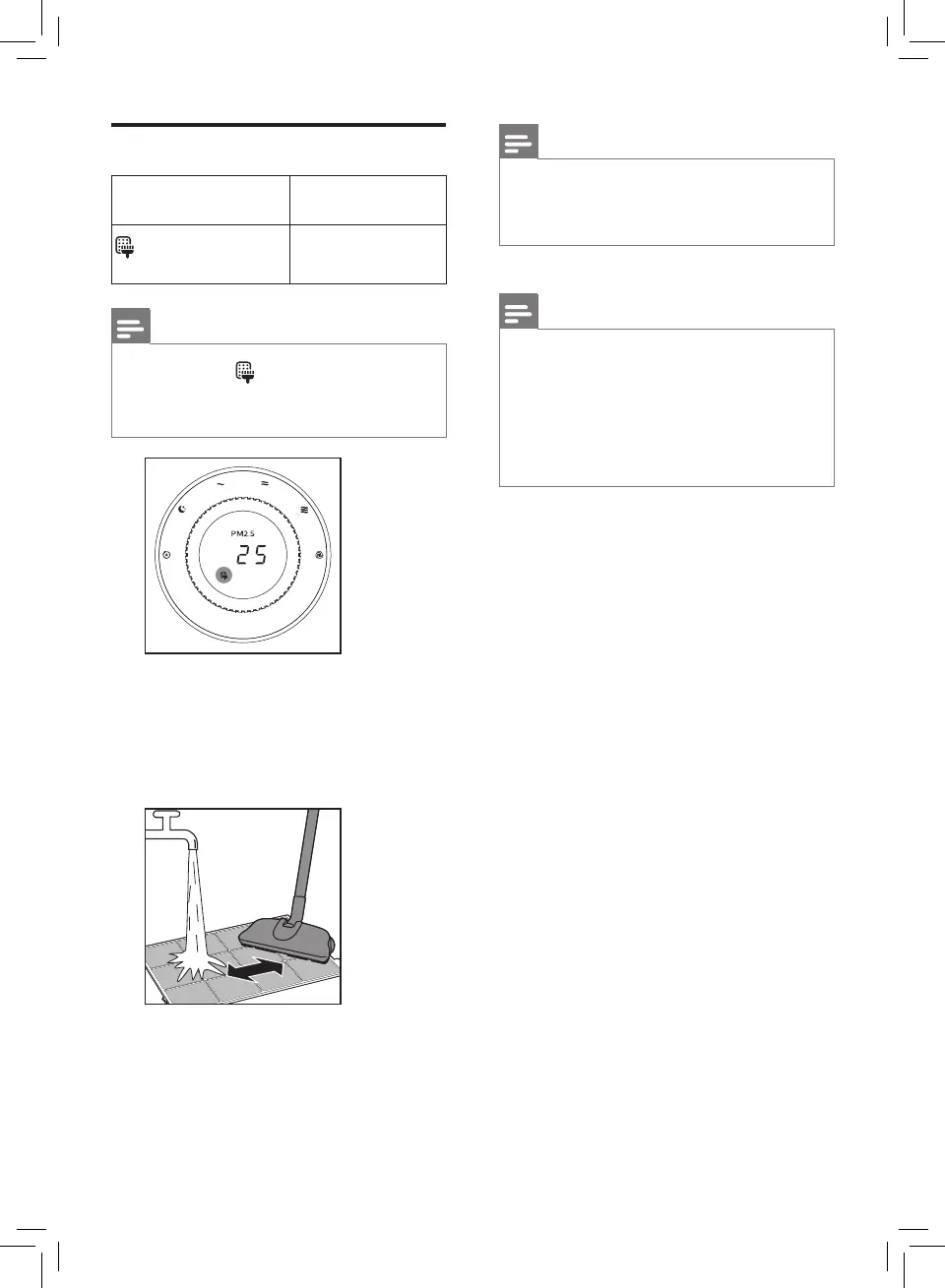
Clean the pre-lter
Filter alert light
status
Follow this
lights up on the
screen
Clean the pre-
lter
Note
• Filter light lights up
approximately once every two
weeks.
1 Rinse the pre-lters under a
running tap. If the pre-lters are
very dirty, use a vacuum cleaner
or soft brush to remove the dust
before rinsing under the tap.
Note
• Make sure to rinse the pre-
lters equipped in both sides of
the appliance.
2 Air dry the pre-lters.
Note
• Make sure that the pre-lters
are completely dry before you
put them back in the appliance.
If they are still wet, bacteria may
multiply in them and shorten
the lifetime of the pre-lters.
3 After the pre-lters are properly
put back in the appliance, reset
the lter lifetime counter. (Refer
to chapter 7 "Resetting the lter
lifetime counter".)



 To Next Page