11EN
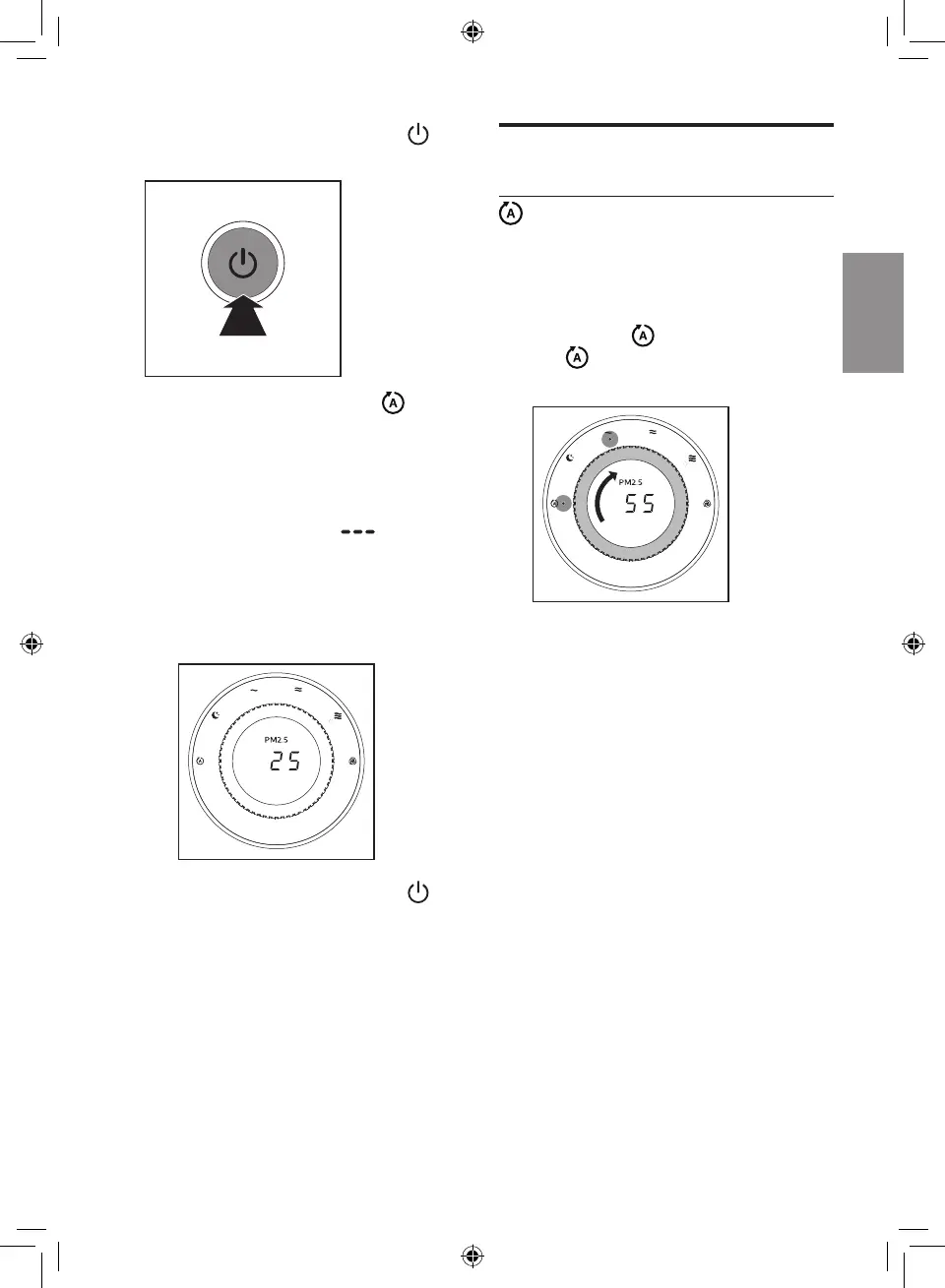
2 Press the power On/Off button
to switch on the appliance.
» The default fan speed is
(AUTO).
» After measuring the air quality
for a short time, the air quality
sensor automatically selects
the color of the air quality light.
» The running strips " "
displays on the screen when
the appliance is measuring
the PM2.5 level. After a short
time the actual PM2.5 level will
display on the screen.
3 Press the power On/Off button
again to switch off the appliance.
Change the fan speed
(AUTO)
In auto mode, the appliance selects
the fan speed in accordance with the
ambient air quality.
1 Turn the speed knob to select the
auto speed
.
»
and the current fan speed
indicator lights up
.



 To Next Page