7User manual
ENGLISH
4 Use the foot control
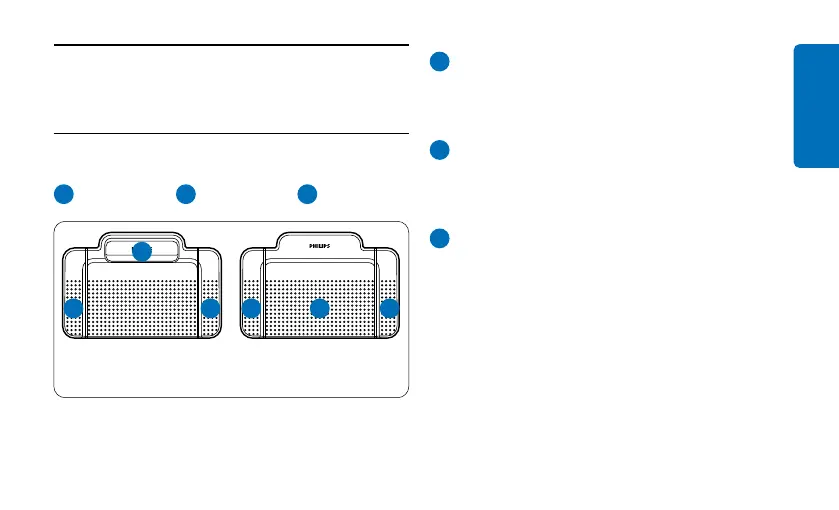
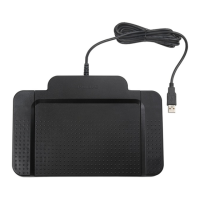
4.1 Foot control ACC2310 / ACC2320
The foot control has three pedals: fast rewind
1
, fast forward
2
and playback
3
.
32 1
2
1 3
ACC2310 ACC2320
1
Press and hold the pedal for fast rewind.
When rewinding reaches the desired
position, release the pedal.
2
Press and hold the pedal to fast forward.
When forwarding reaches the desired
position, release the pedal.
3
The pedal starts playback. The behavior for
starting and stopping playback depends on
the setting of the playback switch on the
underside of the foot control:
• N (Neutral) position: Press and hold the
right pedal for playback. When the pedal
is released, playback is stopped.
• T (Toggle) position: Press and release the
right pedal to start continuous playback.
Press the right pedal again to stop playback.










 To Next Page