07
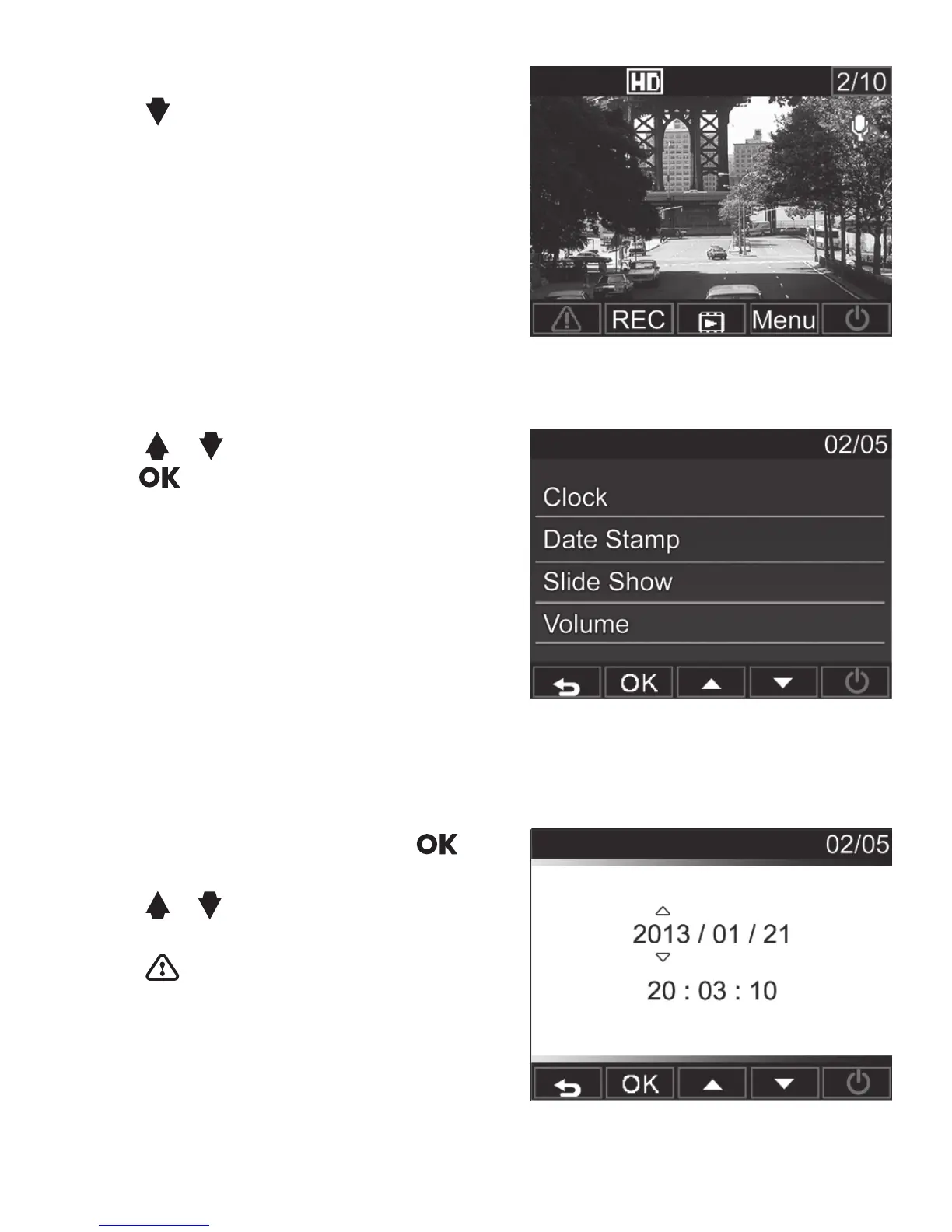
Set the Date and Time
1. Press to open the on screen
display menu.
2. Press / to select Clock and
press to enter Clock menu.
3. To adjust date and time eld, press
to select the eld.
4. Press / to adjust the value.
5. Repeat steps 3-4 to adjust other elds.
6. Press to save your changes.



 To Next Page