08
Operating instructions
Emergency Recording
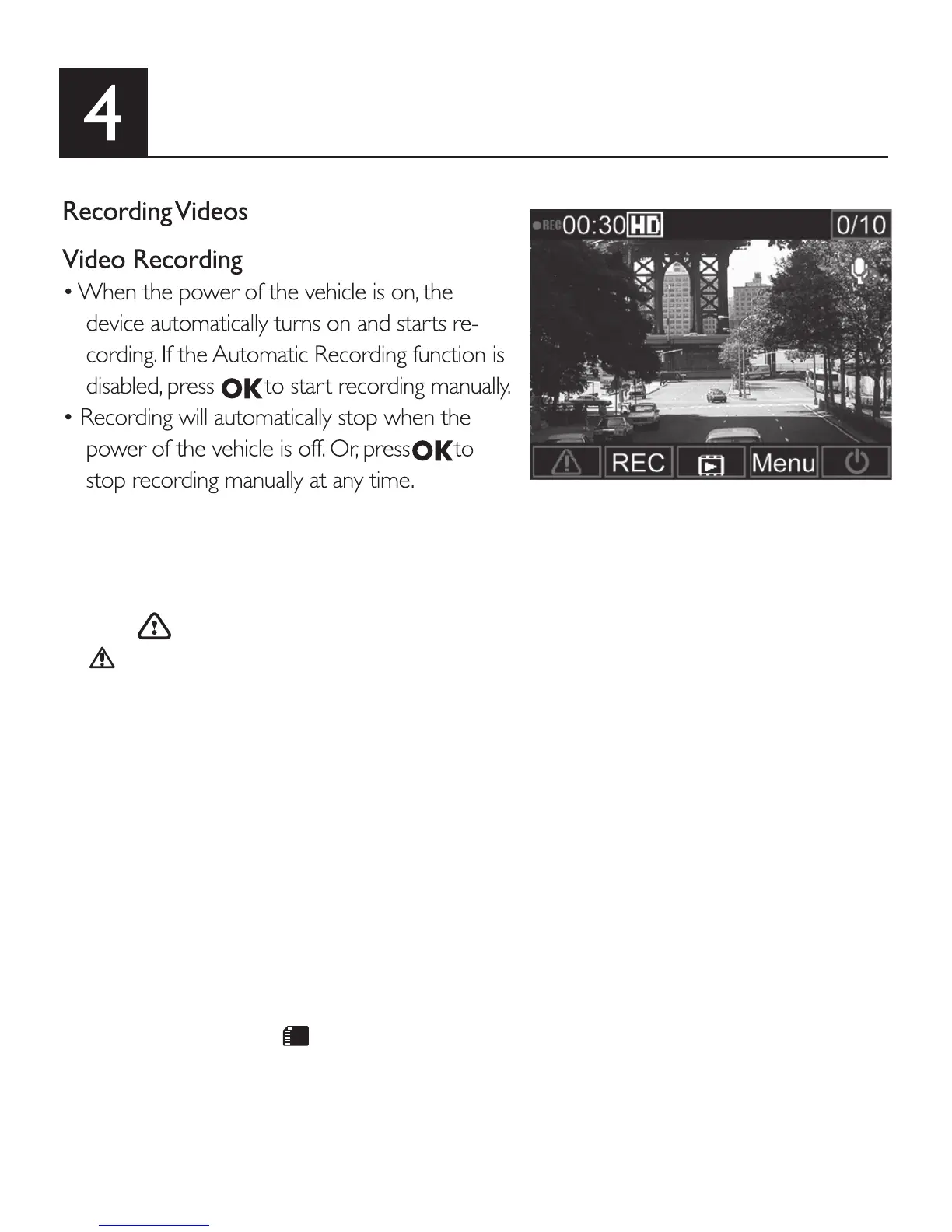
• During video recording, you can manually create an Emergency Recording, to secure
a video le of any event that might happen.
• Press to start the Emergency Recording.
• icon appears on the top right side of the screen, indicating Emergency Record-
ing is ongoing.
• The system automatically creates an emergency video le. The video le is saved into
the Emergency Records folder.
• When the CollisionDetection function is activated, the device will automatically de-
tect any collision events, and create an emergency video le. The emergency video
clip will show 30 seconds before and after the event detection. The video le will be
saved into the Emergency Records folder.
• The device can save up to 10 Emergency Recording video les. The number of
Emergency Recording saved on the card is indicated in the top right corner of
the LCD.
Notes:
1. A storage card icon appears on the LCD for approximately 1 minute during the
emergency recording le saving. During this time, all buttons are unavailable. Other
functions are unavailable until the le is saved.
2. When Monitor Mode or Motion Detection functions are activated, the Emergency
Recording and CollisionDetection will be turned off automatically.



 To Next Page