EasyManua.ls Logo

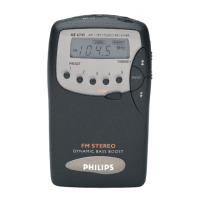
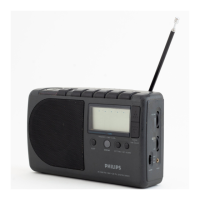
Philips AE 6745 - Radio Supply and Display; Battery Installation; Display Functionality; Radio Reception and Operation

Philips AE 6745
10 pages
Print Icon
To Next Page IconTo Next Page
To Previous Page IconTo Previous Page
Loading...
==
--
-
--
oe
ee
-
-
—-
-
=
A
ш
á
-
oe
=
|
English
Supply
®
Radio
SUPPLY
Batteries
e
To
switch
on
the
radio,
set
POWER
to
ON.
e
Open
the
battery
door
and
insert
two
1.5
V
batteries,
type
e
Connect
headphones
to
47.
The
headphone
lead
will
803,
ОМА
ог
AAA-cells
as
indicated.
function
as
FM-aerial
and
therefore
it
should
be
fully
Notes:
extended.
|
e
Store
the
preferred
stations
again
after
replacing
the
When
you
use
the
headphone
winder,
extend
the
cord
to
|
batteries
the
yellow
mark.
e
Select
the
preferred
wave
range
(FM/AM)
by
pressing
BAND.
The
selected
wave
range
will
appear
on
the
display.
e
Set
FM
MONO
/
STEREO
to
MONO
if
you
wish
to
listen
to
DISPLAY
FM
programmes
in
MONO
or
to
STEREO
if
FM-stereo
broadcast
is
preferred.
When
‘STEREO’
appears
on
the
display,
you
are
listening
to
FM
stereo
programmes
in
stereo.
e
Tune
automatically,
manually
or
by
means
of
the
PRESET
|
©
Remove
the
batteries
if
they
are
exhausted
or
if
the
set
is
not
going
to
be
used
fer
a
long
time.
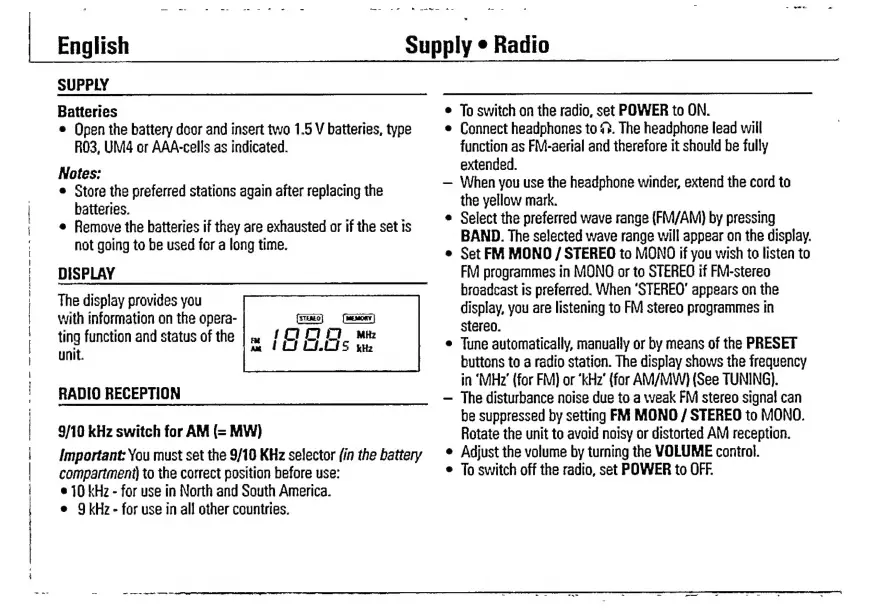
The
display
provides
you
with
information
on
the
opera-
ting
function
and
status
of
the
unit.
buttons
to
a
radio
station.
The
display
shows
the
frequency
in
‘MHz’
(for
FM)
or
‘kHz’
(for
AM/MW)
(See
TUNING).
RADIO
RECEPTION
_______________-
-
The
disturbance
noise
due
to
a
weak
FM
stereo
signal
can
|
be
suppressed
by
setting
FM
MONO
/
STEREO
to
МОМО.
9/10
kHz
switch
for
AM
(=
MW)
Rotate
the
unit
to
avoid
noisy
or
distorted
AM
reception.
Important:
You
must
set
the
9/10
KHz
selector
(in
the
battery
*
Adjust
the
volume
by
turning
the
VOLUME
control.
compartment)
to
the
correct
position
before
use:
e
To
switch
off
the
radio,
set
POWER
to
OFF.
|
|
|
e
70
kHz
-
for
use
in
North
and
South
America.
e
9kHz-
for
use
in
all
other
countries.

Related product manuals