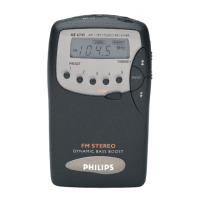
English
Congratulations on your purchase and welcome to Philips!
To fully benefit from the support that Philips offers, register
your product at www.philips.com/welcome.
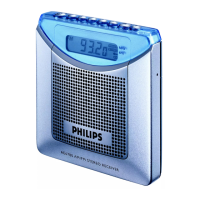
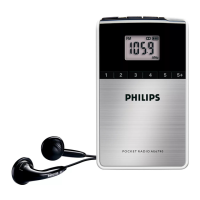
Top & front panels (see 1)
1 2
– switches on/off the standby mode
2 TUNING -
– in FM/MW mode, fine tunes a station
– sets hour during clock setting
3 TUNING +
– in FM/MW mode, fine tunes a station
– sets minute during clock setting
9 DISPLAY
– displays time or radio frequency
0 Number Keys
– press to store preset stations
Side panel (see 1)
4 ;
– 3.5 mm stereo headphone socket
5 LOCK/UNLOCK
– disables or enables all other keys
6 VOL
– adjusts volume level
7 BAND
– press to switch to FM or MW mode
8 SET CLOCK/PRESET
– in standby mode, sets the clock
– stores preset station


 To Next Page