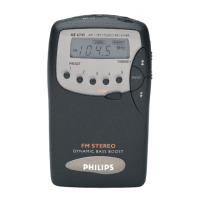
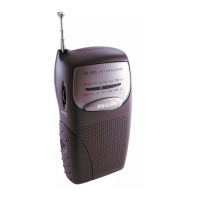
Switching on radio
1 Press
2
to switch on the set.
2 Press BAND to select FM or MW waveband.
➜ Waveband and radio frequency are displayed
.
Automatic tuning
• Press and hold
TUNING +/-
; the set searches a station automatically.
Manual tuning
By using this feature, it is possible to manually tune to a specific channel
frequency. In addition to antenna orienting for better radio reception, the
optimum reception can also be obtained by using this feature.
• In FM and MW mode, press
TUNING +/-
to tune to stations.
Storing preset stations manually
You can store up to 10 stations for each band respectively on
PRESET
for easy access.
1 In FM and MW mode, tune to your desired radio station (See "Auto
tuning" and “Manual tuning”).
2 Press SET CLOCK/PRESET.
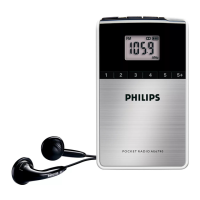
3 Press number keys to store the preset station 1-5; press the +5 button
followed by a 1-5 button to store preset station 6-10.
Helpful hints:
– If you have already saved a FM, or MW station in that preset number, it
will be overwritten by a new station.
– Preset stations of each band do not overwrite each other.
– Preset stations will be kept even when the set is out of power.
Selecting a preset station
• In FM and MW mode, press 1-5 to select station 1-5; press the +5
button followed by a 1-5 button to select station 6-10 .


 To Next Page