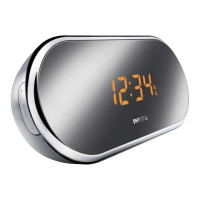
RADIO
1
Press
RADIO ON/OFF
once to switch on the radio.
™
Display shows the radio frequency of the last selected waveband briefly
before returning to the clock time. Your preset station is also shown if you
are listening to a preset. (See
2
)
2
Adjust the sound using VOLUME
.
3 To select preset stations, press the respective PRESET button (1-5) once or
repeatedly.
4
Press
RADIO ON/OFF
to switch off.
TUNING TO RADIO STATONS
Automatic tuning
•Press TUNING +/- one second or more to tune to your station.
™The radio automatically tunes to a station of sufficient reception.
Manual tuning
•Press TUNING +/- briefly or repeatedly until you reach the desired frequency.
To improve reception:
For FM, extend and position the pigtail fully to obtain optimum reception.
STORING AND USING PRESET STATIONS
You can store up to a total of 5 FM radio stations in the memory.
1 Tune to your desired station (see TUNING TO RADIO STATIONS).
2 To store a preset, hold down briefly on a PRESET button 1-5 until you hear a double
beep.
™
Display shows the preset number of your station.
3 Repeat steps 1 and 2 to store your other stations.
•You can overwrite a preset station by storing another frequency in its place.
4
Press a
PRESET button 1-5 to listen to a preset station.


 To Next Page