English
CONTROLS
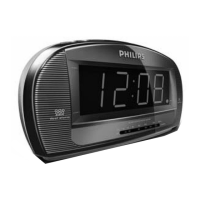
Top View (see fig. 1 )
1 SET TIME /ALARM OFF
- sets the clock time
- stops the active alarm for 24 hours
- switches off the radio sleep function
2 SET ALARM 1 / SET ALARM 2 - sets the alarm time for alarm 1 / alarm 2
3 AL1/ AL2 /AL1+2 - selects which alarm(s) you want to set alarm time on
4 REPEAT ALARM - switches off the active alarm for a 7-8 minutes period
5 OFF/ ON/ AUTO/ BUZZ
OFF: switches off the radio/alarm
ON: switches on the radio
AUTO: activates the radio for alarm
BUZZ: activates the buzzer for alarm
6 TIME SET 3 - to adjust time fast forward
7 TIME SET 4 - to adjust time back
8 SLEEP
- activates the radio for sleep function
- adjusts the sleep period
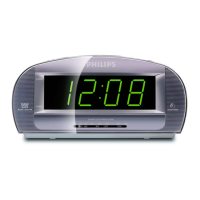
Front View (see fig. 2 )
9 ALARM 1 indicator - lights up when alarm 1 is activated.
0 ALARM 2 indicator - lights up when alarm 2 is activated.
! DISPLAY - shows the clock/alarm time and status of the setting
@ Frequency pointer - shows the radio frequency of your selected waveband


 To Next Page