7 EN
4 Play from iPod/
iPhone
You can enjoy audio from iPod/iPhone through
this clock radio.
Compatible iPod/iPhone
The clock radio supports these iPod and iPhone
models:
Made for.
• iPod touch (5th generation)
• iPod nano (7th generation)
• iPhone 5
Listen to audio from iPod/
iPhone
Note
• Make sure that the Third Knob switched to CLOCK
before setting.
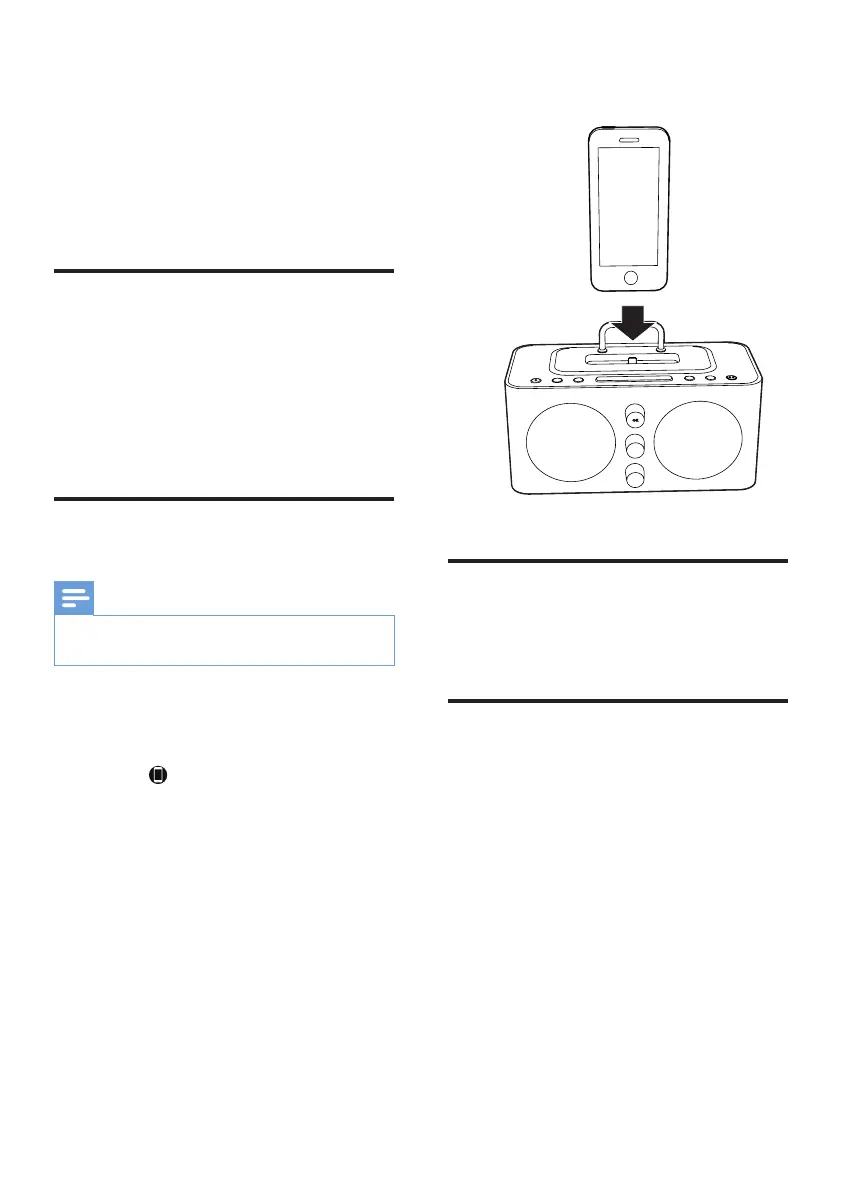
1 Place the iPod/iPhone in the dock.
2 Press SOURCE repeatedly to select iPod/
iPhone mode.
» The on the display panel lights up.
3 Play audio on the iPod/iPhone.
4 Rotate the Second Knob to select
previous or next track.
To remove the iPod/iPhone:
Pull the iPod/iPhone out of the dock.
Charge the iPod/iPhone
When the clock radio is connected to power,
the docked iPod/iPhone starts charging.
Adjust volume
You can adjust volume by pressing VOLUME
+/- repeatedly.



 To Next Page