EasyManua.ls Logo

Philips AK640 - Page 9

Philips AK640
16 pages
Print Icon
To Next Page IconTo Next Page
To Previous Page IconTo Previous Page
Loading...
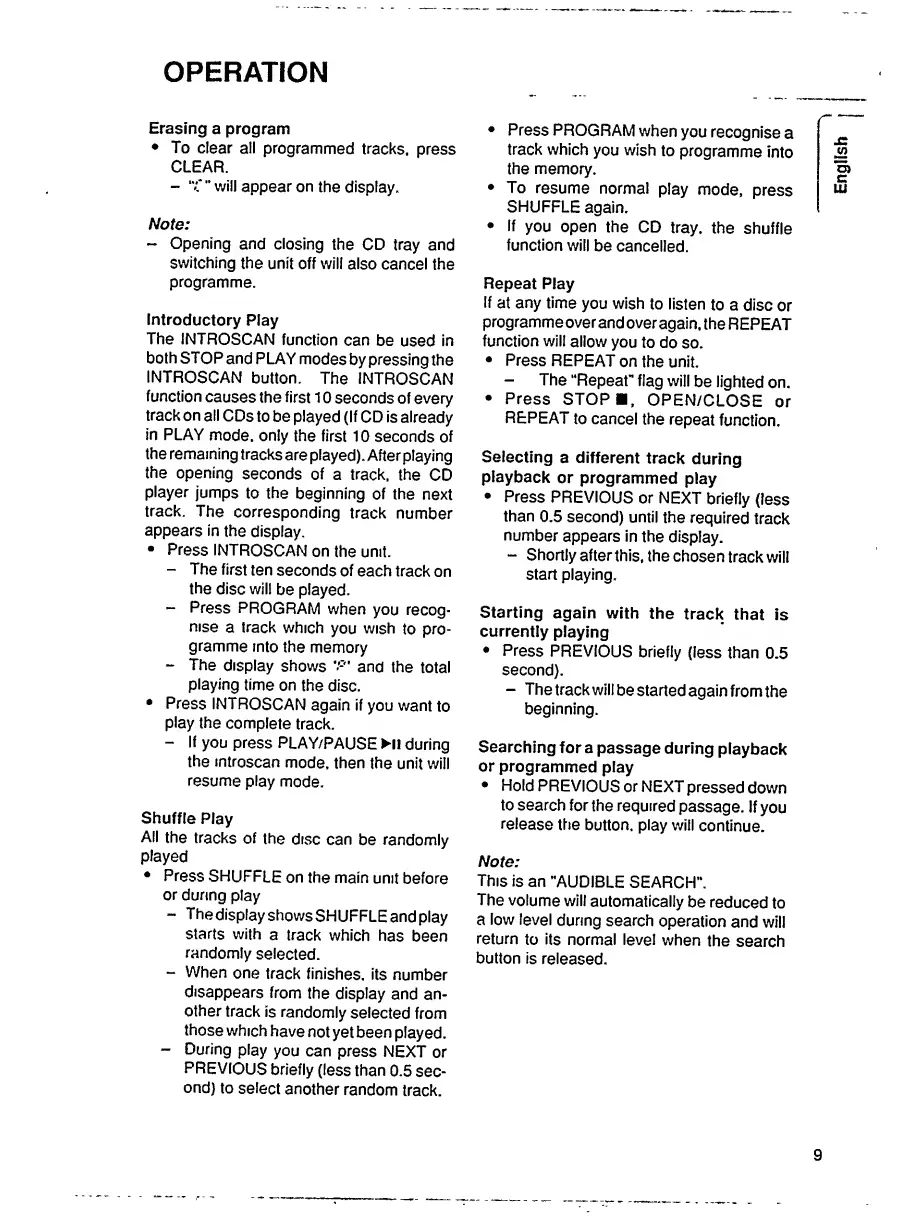
OPERATION
Erasing
a
program
To
clear
all
programmed
tracks,
press
CLEAR.
-
"C"
will
appear
on
the
display.
Note:
-
Opening
and
closing
the
CD
tray
and
switching
the
unit
off
will
also
cancel
the
programme.
Introductory
Play
The
INTROSCAN
function
can
be
used
in
both
STOP
and
PLAY
modes
by
pressing
the
INTROSCAN
button.
The
INTROSCAN
function
causes
the
first
10
seconds
of
every
track
on
all
CDs
to
be
played
(If
CD
is
already
in
PLAY
mode,
only
the
first
10
seconds
of
the
remaining
tracks
are
played).
After
playing
the
opening
seconds
of
a
track,
the
CD
player
jumps
to
the
beginning
of
the
next
track.
The
corresponding
track
number
appears
in
the
display.
Press
INTROSCAN
on
the
unit.
-
The
first
ten
seconds
of
each
track
on
the
disc
will
be
played.
-
Press
PROGRAM
when
you
recog¬
nise
a
track
which
you
wish
to
pro¬
gramme
into
the
memory
-
The
display
shows
and
the
total
playing
time
on
the
disc.
Press
INTROSCAN
again
if
you
want
to
play
the
complete
track.
-
If
you
press
PLAY/PAUSE
Ml
during
the
mtroscan
mode,
then
the
unit
will
resume
play
mode.
Shuffle
Play
All
the
tracks
of
the
disc
can
be
randomly
played
Press
SHUFFLE
on
the
main
unit
before
or
during
play
-
The
display
shows
SHUFFLE
and
play
starts
with
a
track
which
has
been
randomly
selected.
-
When
one
track
finishes,
its
number
disappears
from
the
display
and
an¬
other
track
is
randomly
selected
from
those
which
have
not
yet
been
played.
-
During
play
you
can
press
NEXT
or
PREVIOUS
briefly
(less
than
0.5
sec¬
ond)
to
select
another
random
track.
Press
PROGRAM
when
you
recognise
a
track
which
you
wish
to
programme
into
the
memory.
To
resume
normal
play
mode,
press
SHUFFLE
again.
If
you
open
the
CD
tray,
the
shuffle
function
will
be
cancelled.
Repeat
Play
If
at
any
time
you
wish
to
listen
to
a
disc
or
programmeover
and
over
again,
the
REPEAT
function
will
allow
you
to
do
so.
Press
REPEAT
on
the
unit.
The
“Repeat"
flag
will
be
lighted
on.
Press
STOP
,
OPEN/CLOSE
or
REPEAT
to
cancel
the
repeat
function.
Selecting
a
different
track
during
playback
or
programmed
play
Press
PREVIOUS
or
NEXT
briefly
(less
than
0.5
second)
until
the
required
track
number
appears
in
the
display.
-
Shortly
after
this,
the
chosen
track
will
start
playing.
Starting
again
with
the
track
that
is
currently
playing
Press
PREVIOUS
briefly
(less
than
0.5
second).
-
The
track
will
be
started
again
from
the
beginning.
Searching
for
a
passage
during
playback
or
programmed
play
Hold
PREVIOUS
or
NEXT
pressed
down
to
search
for
the
required
passage.
If
you
release
the
button,
play
will
continue.
Note:
This
is
an
"AUDIBLE
SEARCH”.
The
volume
will
automatically
be
reduced
to
a
low
level
during
search
operation
and
will
return
to
its
normal
level
when
the
search
button
is
released.
9
English