13EN
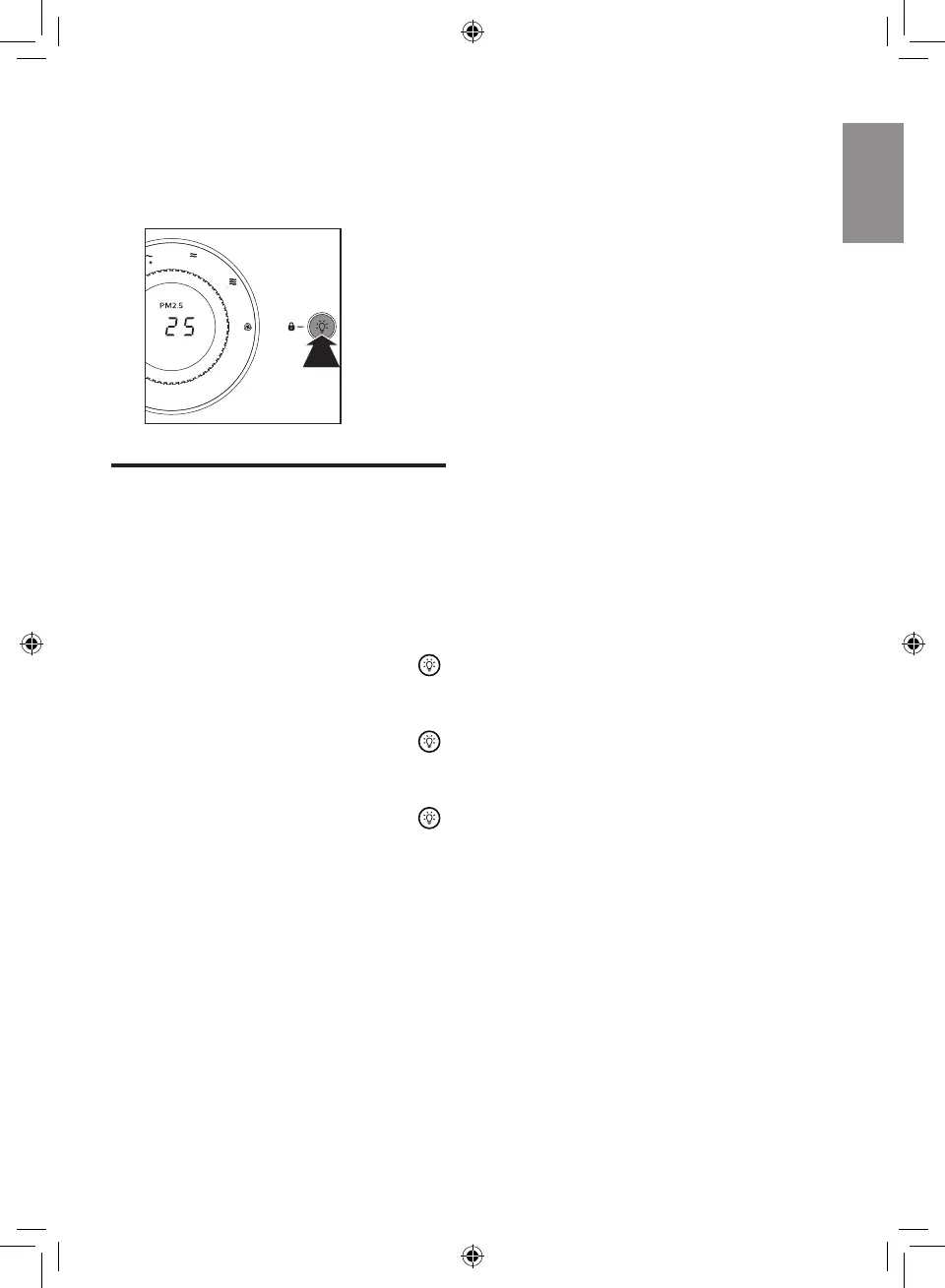
2 To deactivate the lock function,
press and hold the light On/Off
button for 3 seconds again.
» The lock indicator goes off.
3S
Using the light On/Off
function
With the light On/Off button, you
can switch on or off the air quality
light and the display screen if
needed.
1 Press the light On/Off button
once, the air quality light and
display screen will go out.
2 Press the light On/Off button
again. the fan speed indicator
will go out.
3 Press the light On/Off button
for the third time, all lights and
the display screen will go on
again.



 To Next Page