10EN
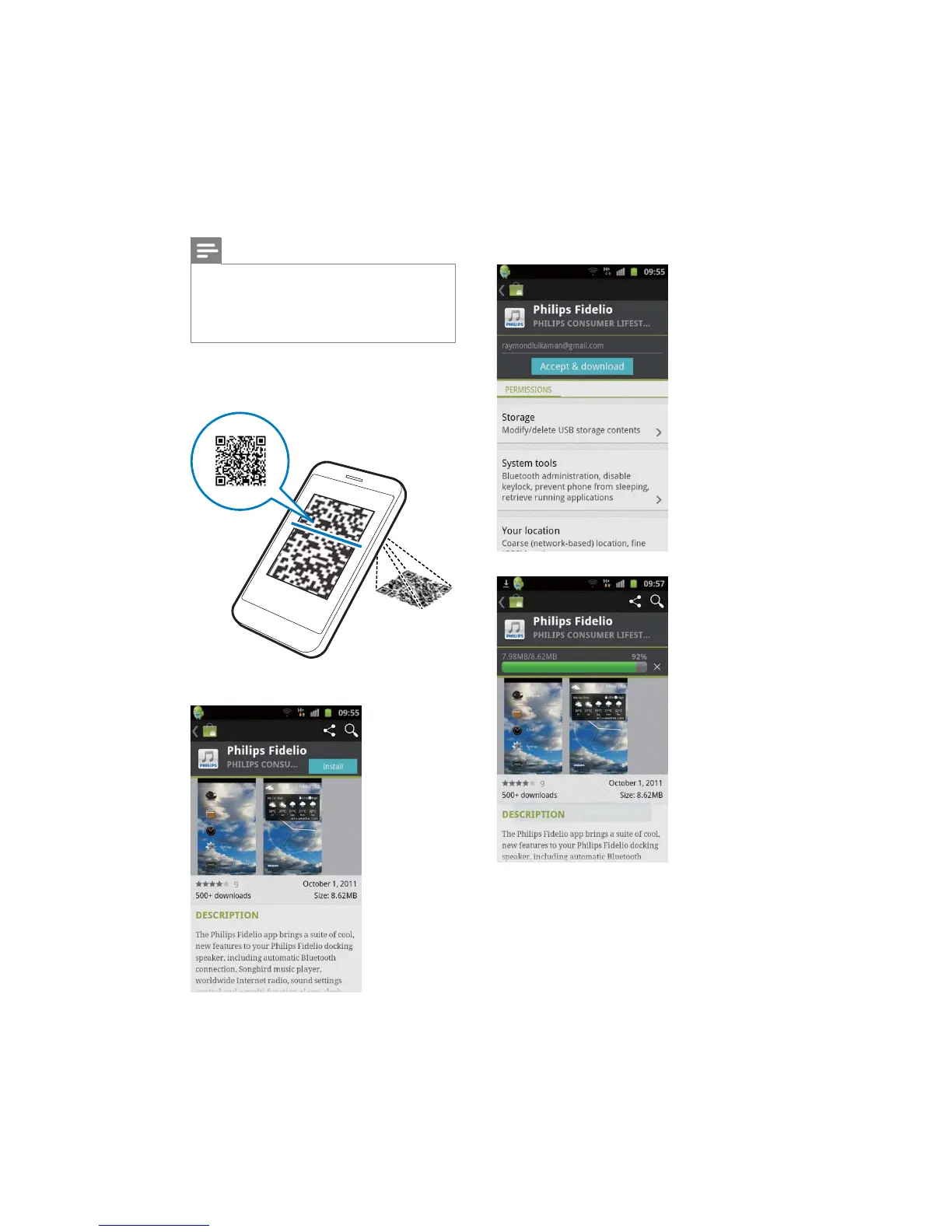
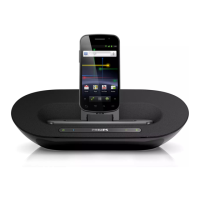
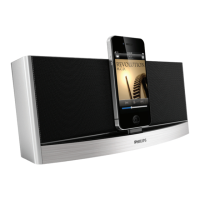
Install "Fidelio app" through QR code
Note
Make sure that your Android-powered device is
connected to the internet.
Make sure that your device has a barcode scanner such
as "QR Droid". If not, download one from the Android
market.
1 Use the barcode scanner to scan the QR
code.
2 Tap [Install]
3 Tap [Accept & download] (accept and
app".
» Fidelio app is installed.



 To Next Page