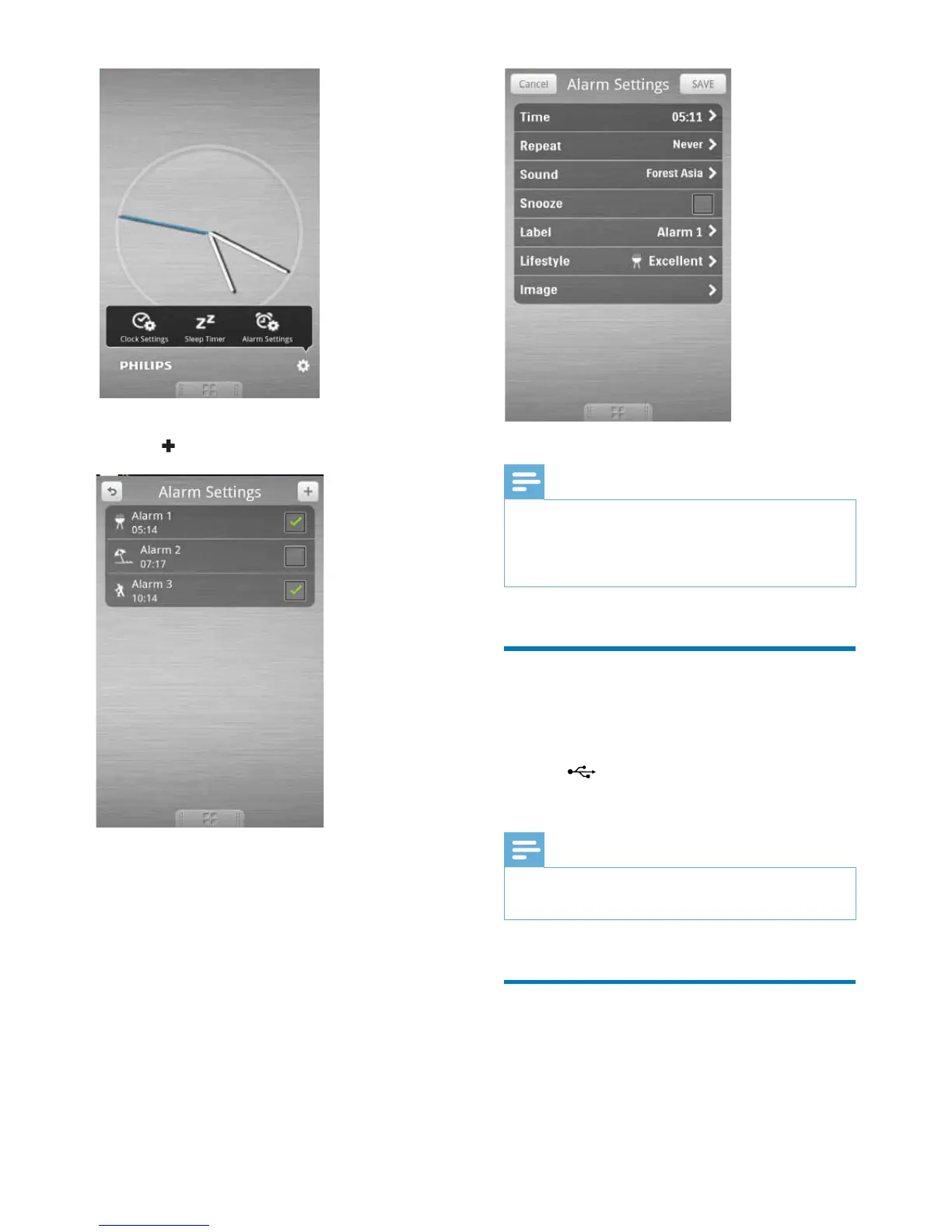
4 Tap to access alarm setting menu.
5 Set the alarm, and tap [Save] (Save) on the
top right of the screen.
» The new alarm is saved and displayed
on the screen.
Note
•
From the [Lifestyle] (Lifestyle) tab, you can select your
preferred sport and weather (excellent, good, or fair).
The alarm will not ring if the weather is not good
enough.
Charge your phone through
the USB socket
Connect a USB cable (not supplied) to:
• the
socket at the back of the speaker.
• the USB socket on your phone.
Note
•
It is not guaranteed that all USB cables work with this
speaker.
Play audio from an external
device
You can listen to audio from an external device
through this speaker.



 To Next Page