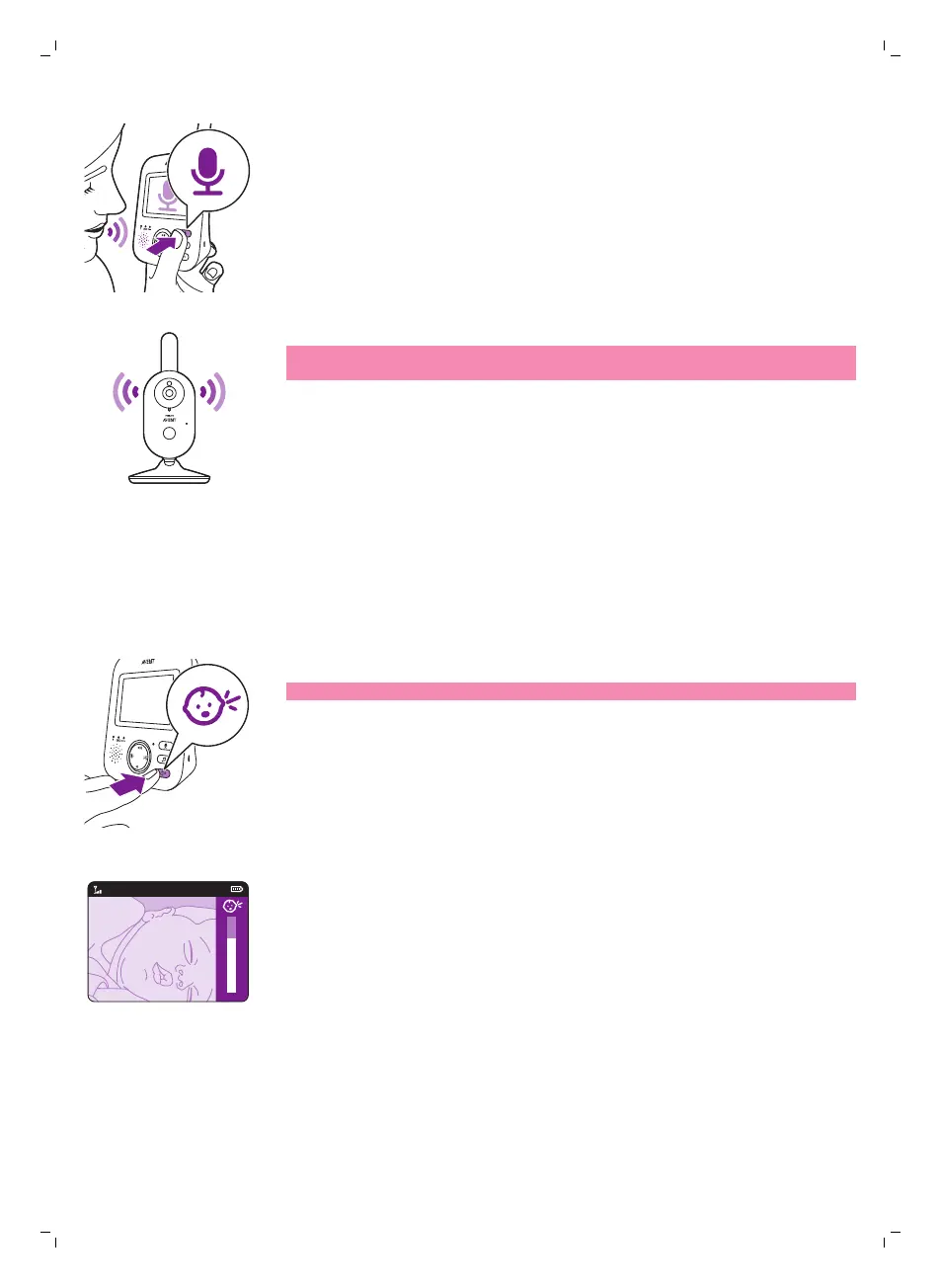
1 Press and hold the talk-back button on the parent unit.
2 Talk clearly into the microphoneat the front of the parent unit from a
distance between 15-30cm /0.5-1ft.
As long as the talk-back button is pressed, there is an open sound
connection to the baby unit. The display of the parent unit shows the
talk-back icon, indicating the active connection.
3 Release the talk-back button when you have finished talking.
Note: As long as the talk-back button is pressed, theparent unitcannot
process sounds coming from the baby unit.
Sensitivity
The sensitivity level of the baby unit defines what you hear through the
parent unit. When the level is set high, you will hear many sounds, including
soft background sounds. When the sensitivity level is set low, you will hear
only the louder sounds.
1 Press the sensitivity button to access the sensitivity levels.
Note: When pressing the sensitivity button again, you will leave the menu.
2 Press the top or bottom part of the control button to select the desired
sensitivity level.
19
English








 To Next Page