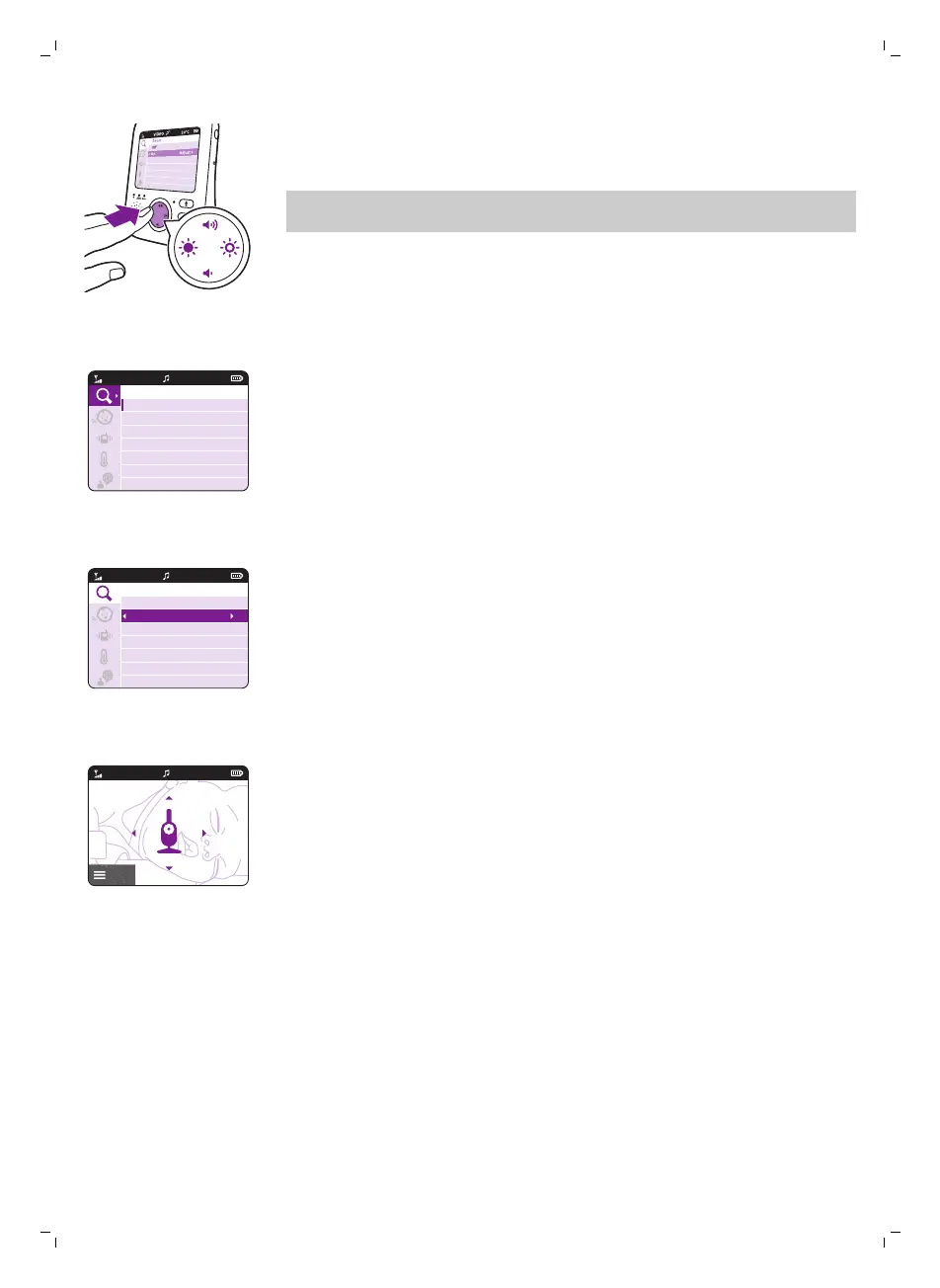
When you are navigating through the menu features and do not want to
save any change, press the menu button. You will leave the menu
without changing any settings.
Note: If you are in the menu but do not press a button for 5 seconds, the
menu will exit without saving changed settings.
Zoom
1 Press the right part of the control button toenter the zoom menu.
2 Press the bottom part of the control button to switch on the zoom
feature.
3 To adjust the video image press the right part of the control button. Now
you can use the top/bottom/right/left part of the control button to
choose what image will be shown on the parent unit.
4 Press the menu button to save the new setting. The image is
automatically saved after 5 seconds.
5 Go to the zoom menu and turn off the zoom function, if you want to
zoom out the image on the parent unit.
Sensitivity
The sensitivity level of the baby unit defines what you hear through the
parent unit. When the level is set high, you will hear many sounds, including
soft background sounds. When the sensitivity level is set low, you will hear
only the louder sounds.
22
English







 To Next Page