2 Use the + and - buttons to select your language and press OK to confirm.
Key lock
You can activate the key lock to prevent the buttons from being pressed
accidentally while you carry the parent unit around.
1 To activate the key lock, press OK.
2 Press the + button within 2 seconds.
Note: If you do not press the + button within 2 seconds, the instruction
remains on the display.
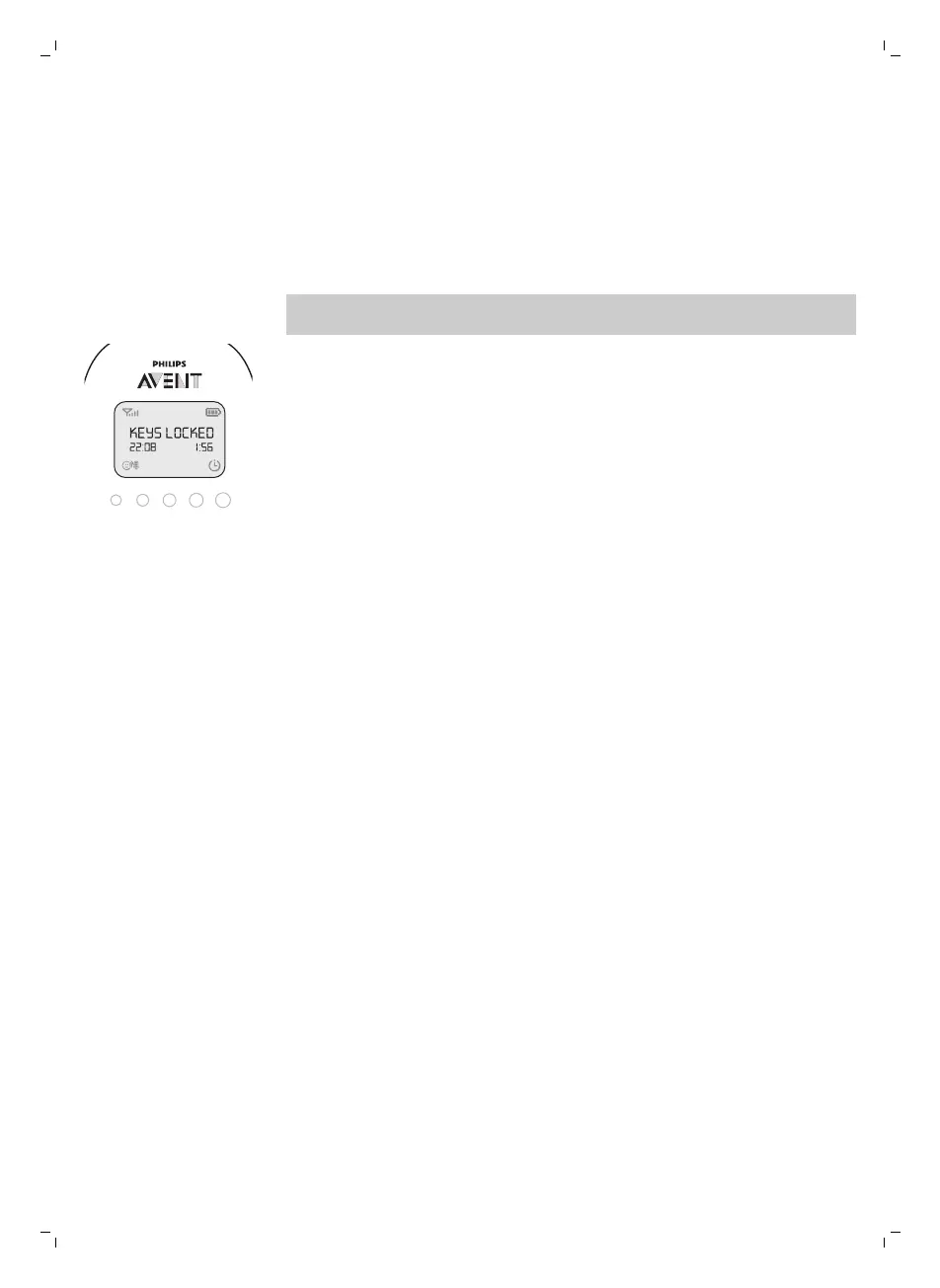
3 After you have pressed the + button, the message 'Keys locked' appears
on the display.
4 To deactivate the key lock, press OK. When the display shows the
instruction message, press the + button within 2 seconds.
Notes:
-
When you press a button other than OK while the key lock is active, the
display goes on and the second line on the display tells you how to
deactivate the key lock.
-
When you press OK while the key lock is active, the second line on the
display tells you what second step is necessary to unlock the buttons.
Warranty and support
If you need information or support, please visit www.philips.com/support or
read the international warranty leaflet.
19
English







 To Next Page