Dry materials Material thickness Loss of range
Metal grilles or bars < 1 cm (0.4 in) 90-100 %
Metal or aluminium sheets < 1 cm (0.4 in) 100 %
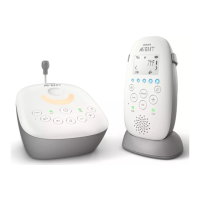
Functions and feedback on the baby unit
Nightlight
The nightlight produces a soft glow that comforts your baby.
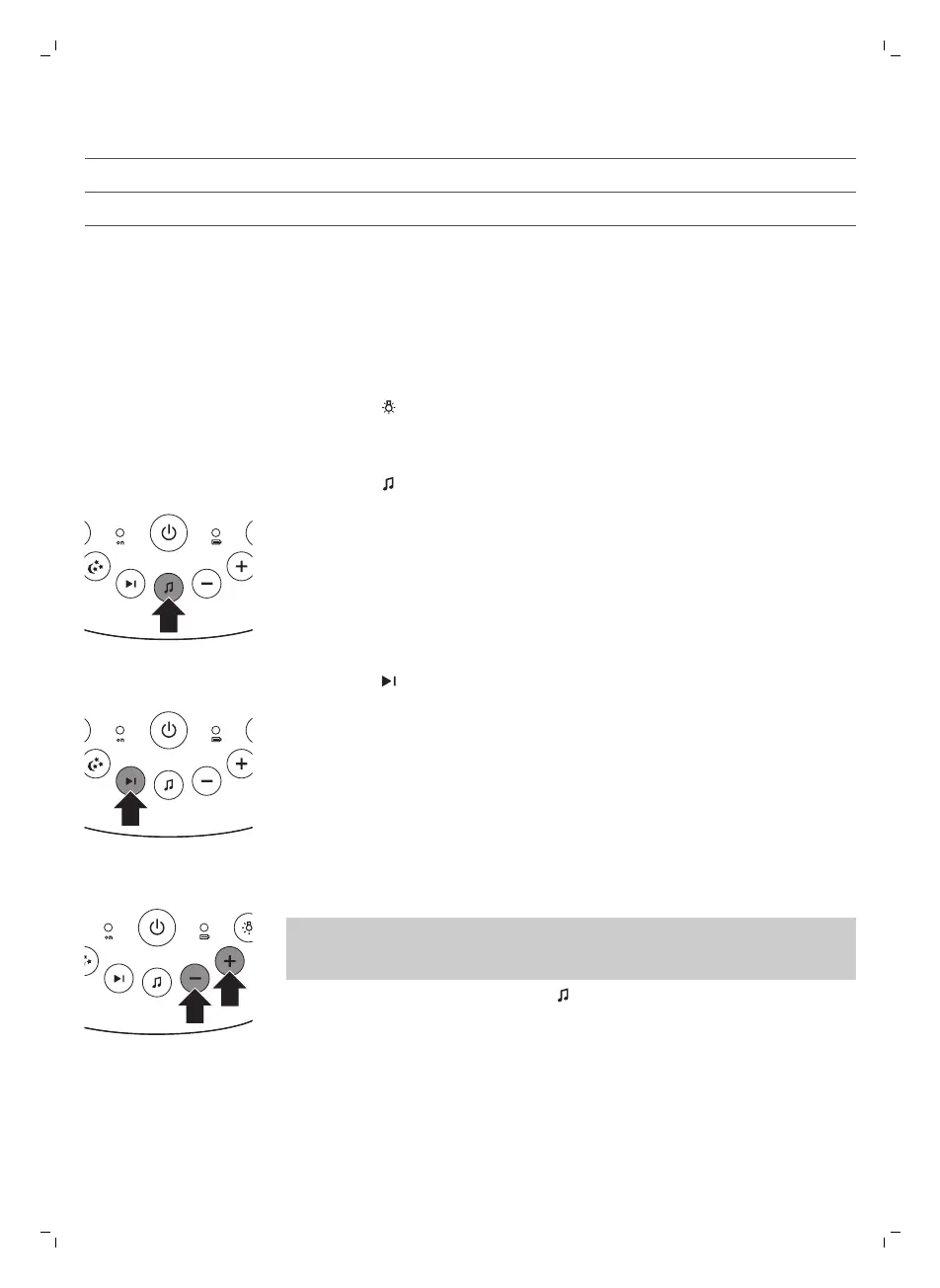
1 Press the button on the baby unit to switch the nightlight on or off.
Lullaby function
1 Press the button on the baby unit to play the last selected lullaby. The
selected lullaby repeats for the set time.
2 Press the button to select another lullaby from the list.
3 To adjust the sound level of the lullaby, press the volume + or the volume
– button the baby unit.
Note: You can only set the loudspeaker volume on the baby unit when a
lullaby is playing. If you set the volume for the lullaby higher, the sound
will also be louder when you use the talk function on the parent unit.
4 To stop lullaby playing, press the button on the baby unit.
Projector
You can soothe your baby with coloured light patterns projected on the
ceiling by switching on the projector.
9
English







 To Next Page