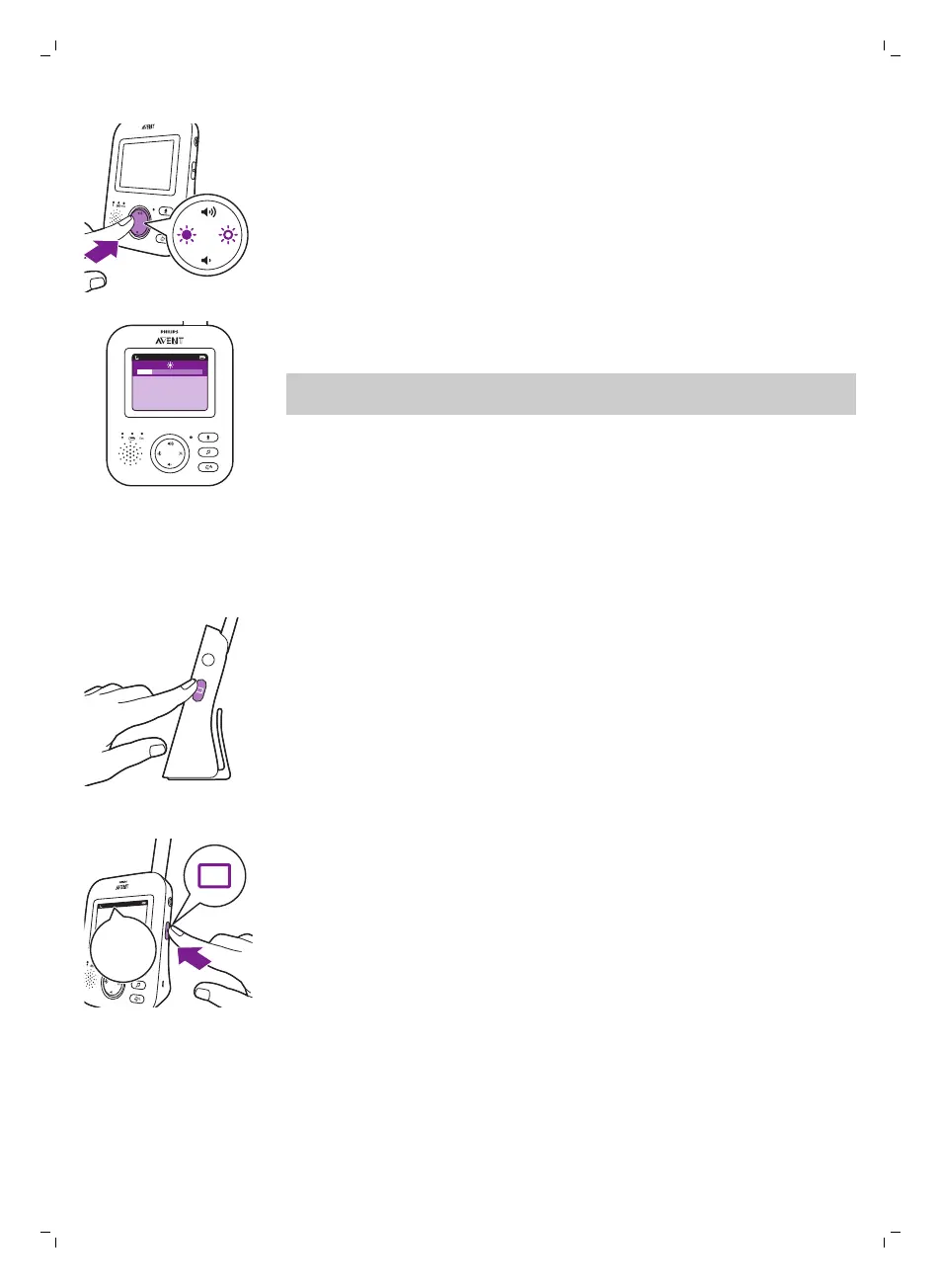
1 Press the left or right part of the control button to adjust the brightness
of the display of the parent unit.
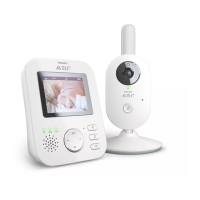
The brightness bar appears on the display to show the selected display
brightness.
Note: If the brightness is set to a high level, the parent unit consumes more
power.
Modes
This baby monitor has four different modes that allows you to choose how
you want to look after your baby: VIDEO, AUDIO, VOX and ECO.
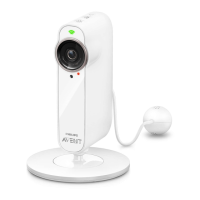
With the baby monitor on, you can switch between these 4 different modes
by pressing the mode button on the side of the parent unit.
The display shows the selected mode. The selected mode is also indicated
in the status bar. When turning on the device, the mode that was last used
will be active.
VIDEO mode
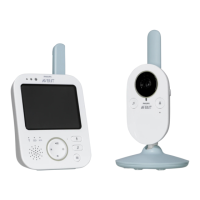
Press the mode button on the side of the parent unit to select theVIDEO
mode.
14
English








 To Next Page