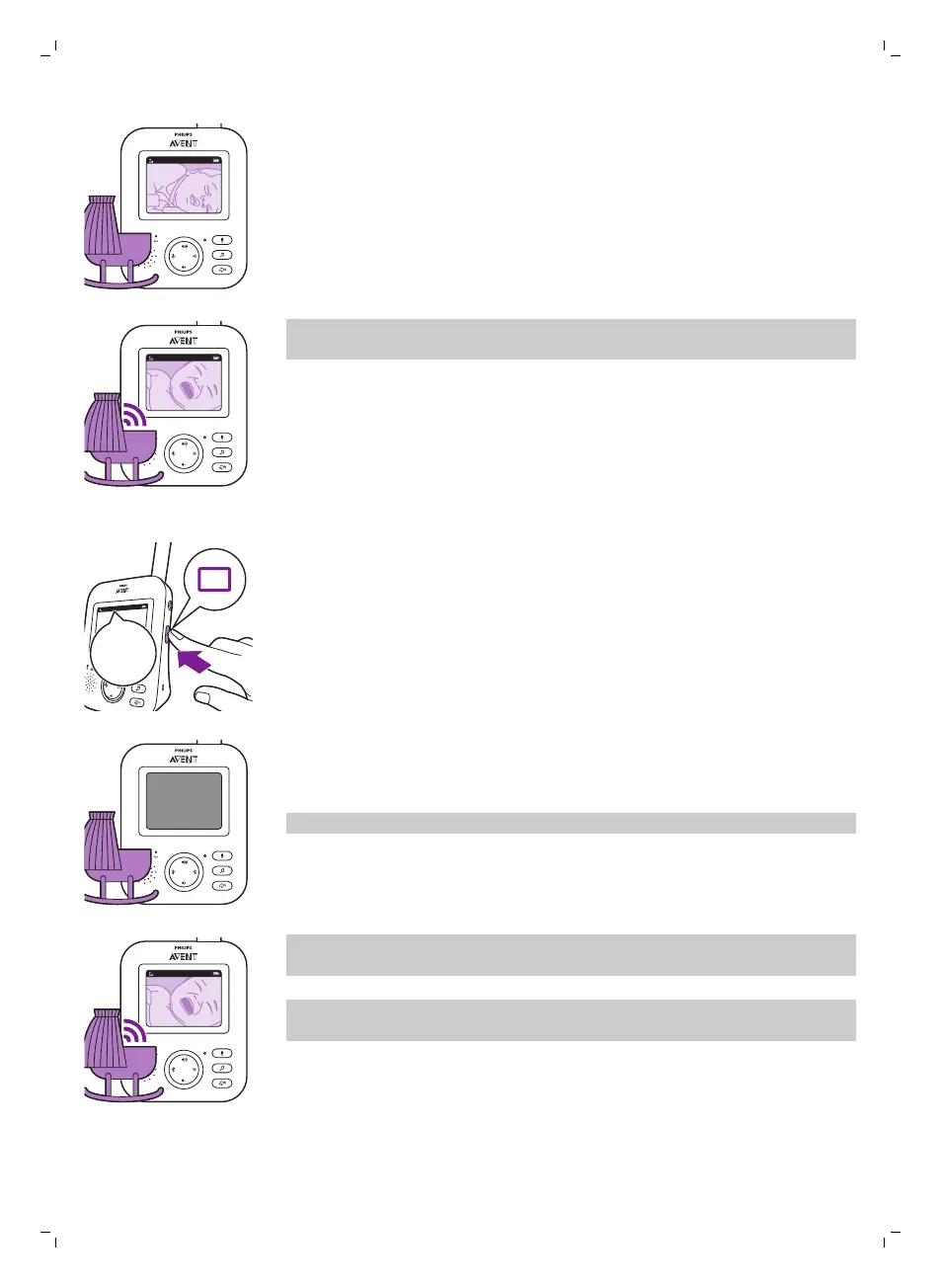
When the VIDEO mode is activated, the screen is always on, so you can see
your baby. All sounds are directly transmitted to the parent unit.
Note: Set the sensitivity level to 'very high' to have continuous sound on the
parent unit. Please see the Sensitivity level chapter for more information.
AUDIO mode
1 Press the mode button on the side of the parent unit to switch to AUDIO
mode.
When the AUDIO mode is activated, the display of the parent unit switches
off. After 3 seconds the display will completely turn off and the status bar
will disappear.
Note: The status bar is not visible when the display is off.
Note: The link light shows that the parent unit is still on and connected to
the baby unit.
Note: Set the sensitivity level to 'very high' to have continuous sound on the
parent unit. Please see the Sensitivity level chapter for more information.
All sounds are constantly transmitted to the parent unit. If your baby cries,
the display of the parent unit is still off, but the sounds detected by
thebaby unitare transmitted to the parent unit.
15
English








 To Next Page