English
CD PLAYER
12
Playing a CD
1. Select CD source.
™ is displayed briefly.
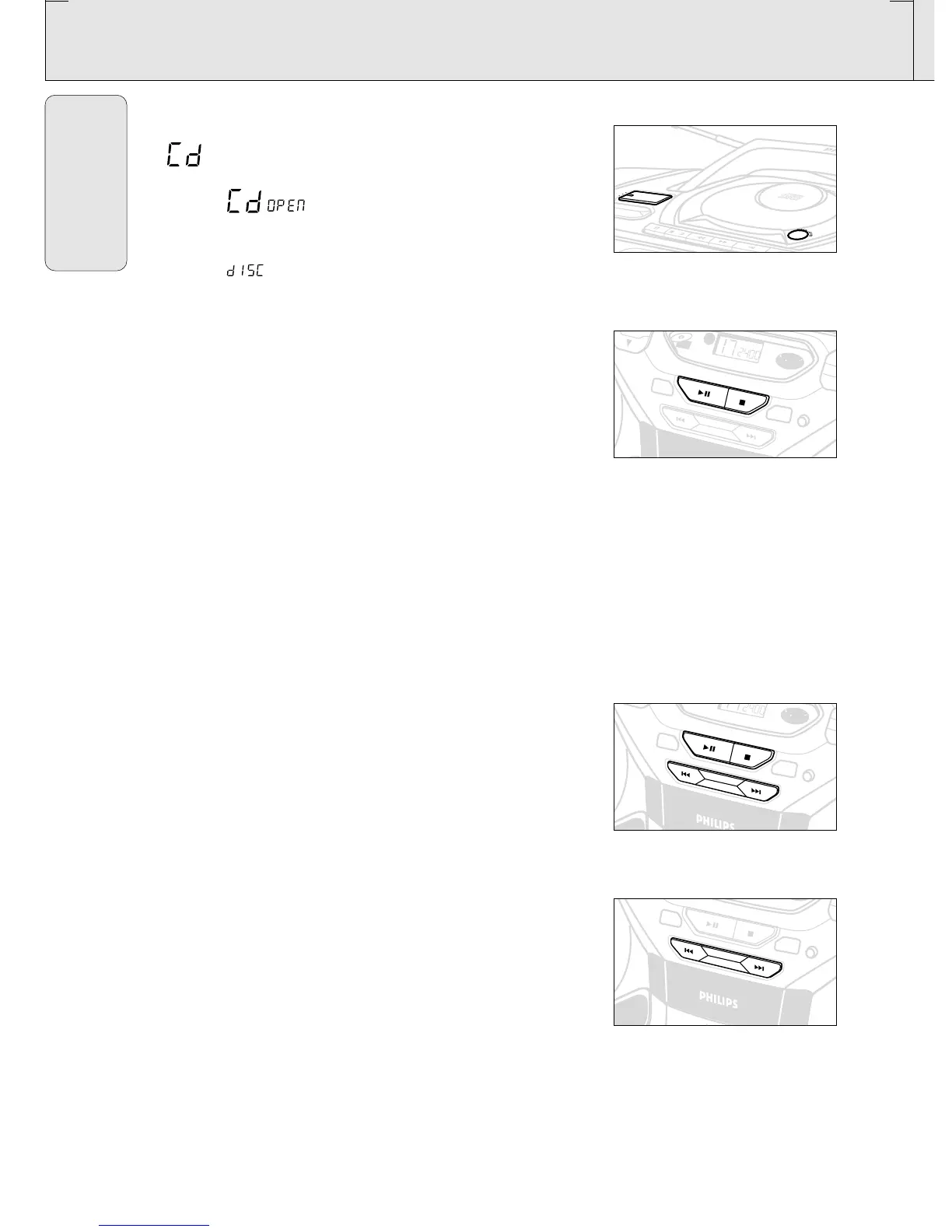
2. Press OPEN•CLOSE to open the CD door.
™ Display: when you open the CD door.
3. Insert a CD or CD-R(W) with the printed side facing up and
close the CD door.
™ Display: flashes as the CD player scans the contents of
a CD. The total number of tracks and playing time are then
shown.
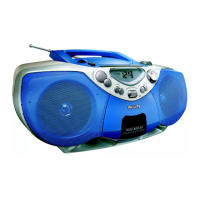
4. Press PLAY•PAUSE 2; (on the remote control 2;) to start
playback.
™ Display: Current track number and elapsed playing time of the
track during CD playback.
5. To interrupt playback press PLAY•PAUSE 2;.
Press PLAY•PAUSE 2; again to resume play.
™ The display freezes and the elapsed playing time flashes when
playback is paused.
6. To stop CD playback, press STOP 9.
Note: CD play will also stop when:
– the CD door is opened;
– the CD has reached the end
(unless you have selected REPEAT or REPEAT ALL);
– you select another source: TAPE / TUNER.
Selecting a different track
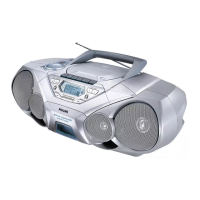
• Press SEARCH ∞ or § on the set, (on the remote control ¡
or ™) once or repeatedly until the desired track number
appears in the display.
• If you have selected a track number shortly after loading a CD or
in the PAUSE position, you will need to press
PLAY•PAUSE 2; (on the remote control 2;) to start playback.
Finding a passage within a track
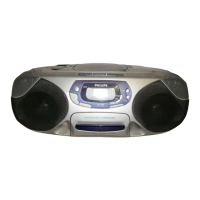
1. Press and hold down on SEARCH ∞ or § (on the remote
control 5 or 6).
™ The CD is played at high speed and low volume.
2. When you recognize the passage you want,
release SEARCH ∞ or §.
– Normal playback continues.
Note:
During a CD program or if SHUFFLE/ REPEAT active, searching is
only possible within a track.
AZ 1045 /17 page 12


 To Next Page