RECORDING MAINTENANCE
16
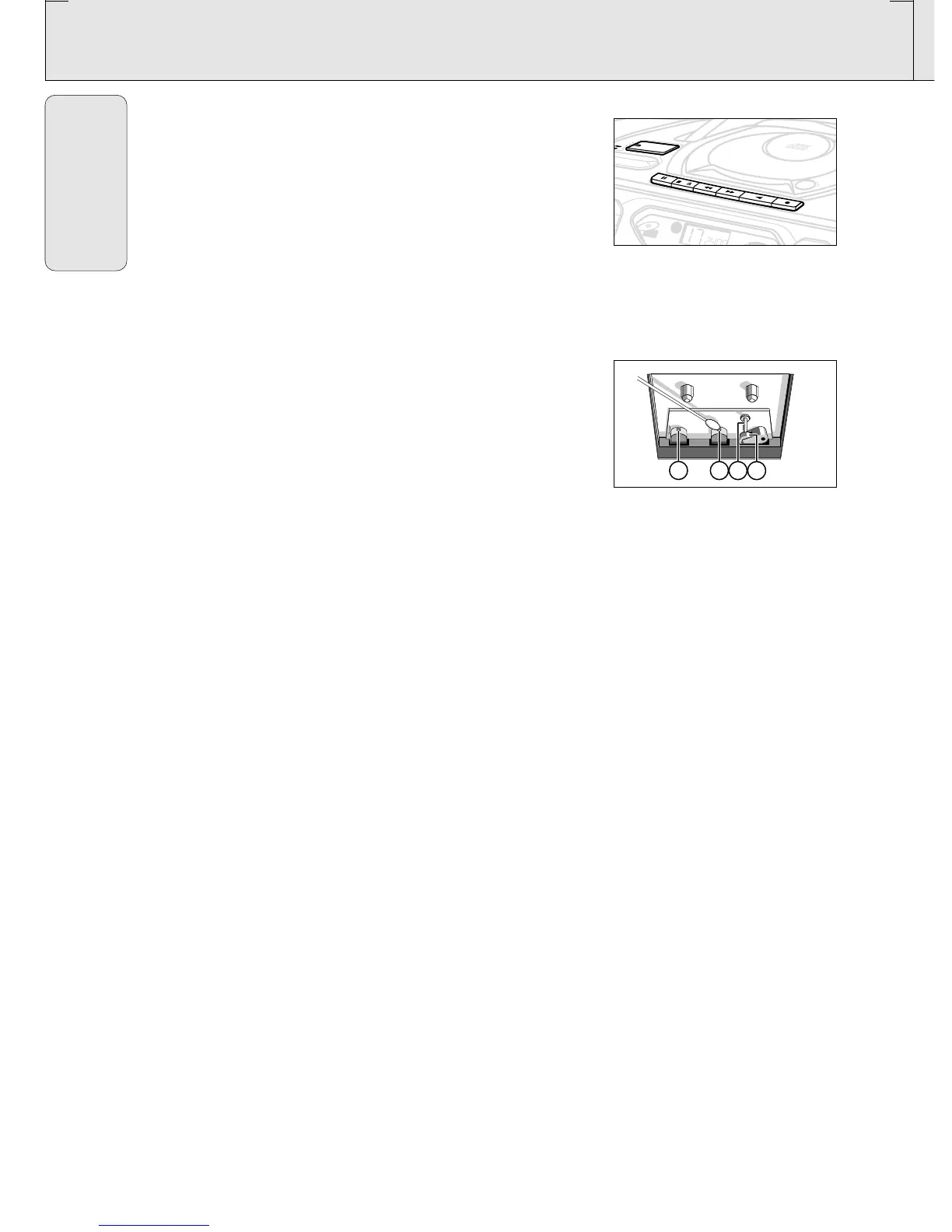
Recording from the radio
1. Tune to the desired radio station (See TUNING TO RADIO
STATIONS).
2. Press STOP•OPEN 9/ to open the cassette door.
3. Insert a suitable cassette into the cassette deck and close the
cassette door.
4. Press RECORD 0 to start recording.
5. For brief interruptions, press PAUSE ;. To resume recording,
press PAUSE ; again.
6. To stop recording, press STOP•OPEN 9/.
Tape deck maintenance
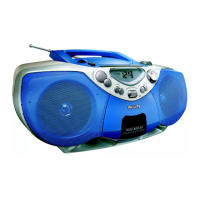
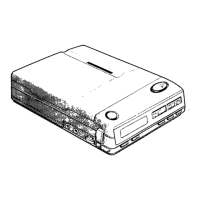
To ensure quality recording and playback of the tape deck, clean
parts A,B and C shown in the diagram below, after approx.
50 hours of operation, or on average once a month. Use a cotton
bud slightly moistened with alcohol or a special head cleaning
fluid to clean the deck.
1. Open the cassette holder by pressing STOP•OPEN 9/.
2. Press PLAY 1 and clean the rubber pressure rollers C.
3. Press PAUSE ; and clean the magnetic heads A and also the
capstan B .
4. After cleaning, press STOP•OPEN 9/.
Note: Cleaning of the heads can also be done by playing a
cleaning cassette through once.
English
AZ 1045 /17 page 16


 To Next Page