English
CD PLAYER
13
Selecting a different track
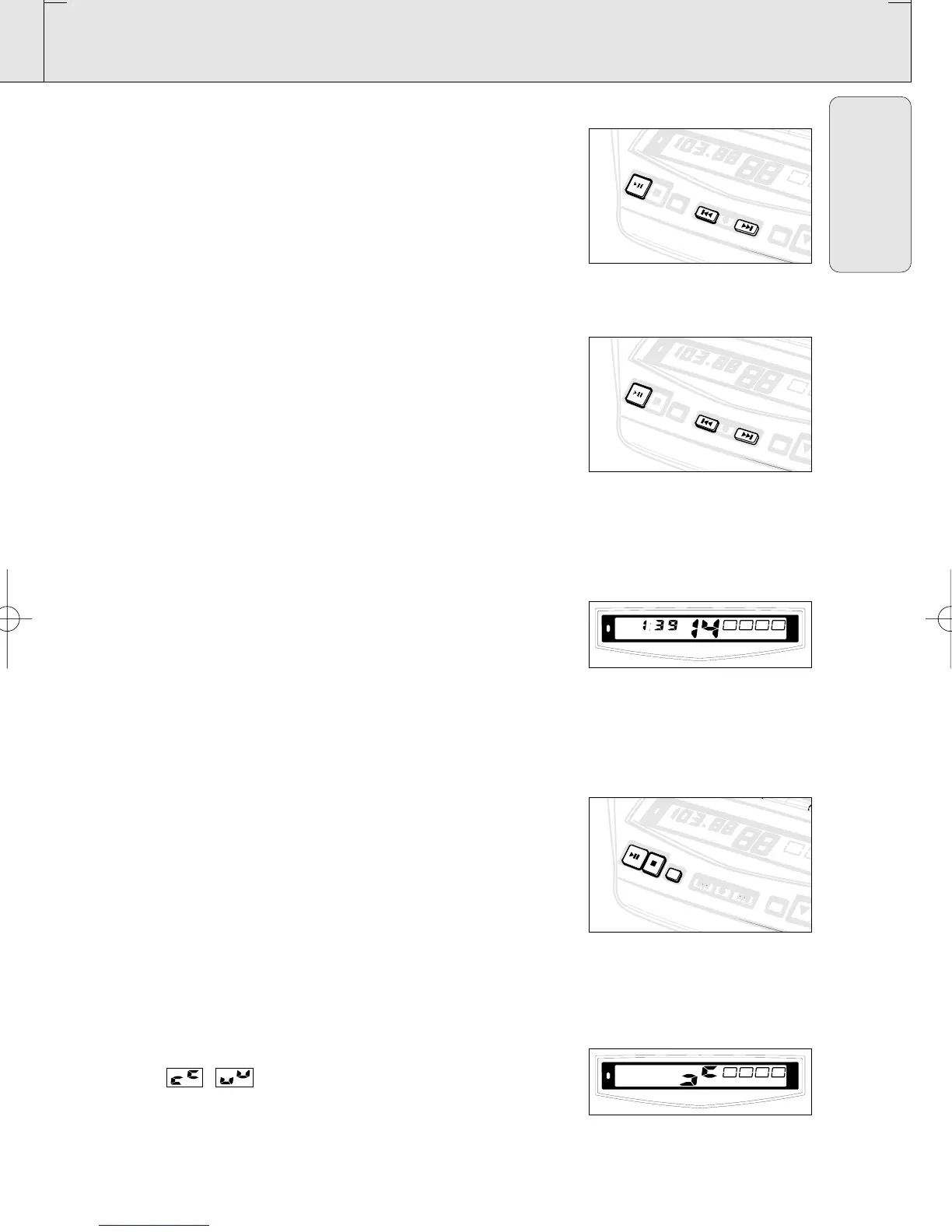
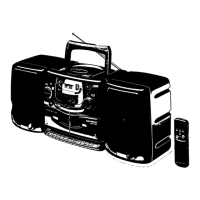
• Press SEARCH ∞ or § on the set, (for AZ2035 model only:
or on the remote control ¡ or ™) once or repeatedly until the
desired track number appears in the display.
• If you have selected a track number shortly after loading a CD or
in the PAUSE position, you will need to press PLAY 2;
(for AZ2035 model only: or on the remote control 2;) to start
playback.
Finding a passage within a track
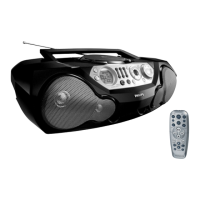
1. Press and hold down SEARCH ∞ or §
(for AZ2035 model only: or on the remote control 5 or 6).
™ The CD is played at high speed and low volume.
2. When you recognize the passage you want, release
SEARCH ∞ or §.
– Normal playback continues.
Note: During a CD program or if SHUFFLE/ REPEAT is active,
searching is only possible within a track.
Different play modes: SHUFFLE and REPEAT
You can select and change the various play modes before or during
playback. The play modes can also be combined with PROG.
SHUFFLE - tracks of the entire CD/ program are played in random
order
SHUFFLE and REPEAT ALL - to repeat the entire CD/ program
continuously in random order
REPEAT ALL - to repeat the entire CD/ program
REPEAT - to play the current track continuously
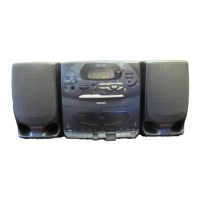
1. To select your play mode, press CD MODE
(for AZ2035 model only: or on the remote control SHUFFLE or
REPEAT) before or during playback until the display shows the
desired function.
2. Press PLAY 2; to start playback if in the STOP position.
3. To return to normal playback, press CD MODE
(for AZ2035 model only: or on the remote control the respective
SHUFFLE or REPEAT button) until the various SHUFFLE/
REPEAT modes are no longer displayed.
– You can also press STOP 9 to cancel your play mode.
Note: In SHUFFLE mode, the display shows rapid patterns e.g.
, when the CD player selects a random track
number.
AZ 2030 /17 page 13
AZ 2030-2035/17
P
L
A
PLAY
S
T
ST
O
P
OP
CD MODE
• • • SEARCH
• • • SEARCH
SEARCH
• • •
SEARCH • • •
PROGPROG
BANDBAND
P
R
E
PRESET
FM
STEREO
B
A
BAT
T
TT
L
O
W
LOW
DIGITAL TUNER
BASS REFLEX SPEAKER SY
STEM
BATT
LOW
SHUFFLE
REPEAT ALL
P
L
A
Y
S
T
O
P
CD MODE
• • • SEARCH
SEARCH
• • •
PROG
BAND
P
R
B
A
T
T
L
O
W
LOW
DIGITAL TUNER
BASS REFLEX SPEAKER SYSTEM
BATT
LOW
SHUFFLE
P
L
A
Y
S
T
O
P
CD MODE
• • • SEARCH
SEARCH
• • •
PROG
BAND
P
R
B
A
T
T
L
O
W
LOW
DIGITAL TUNER
BASS REFLEX SPEAKER SYSTEM
XP AZ 203x/17.2 09-01-2001 15:25 Pagina 13



 To Next Page