You can select a number of tracks and store these in the memory
in the desired sequence. You can store any track more than once.
A maximum of 20 tracks can be stored in the memory.
1 When CD play is stopped, select the desired track with ∞ or
§.
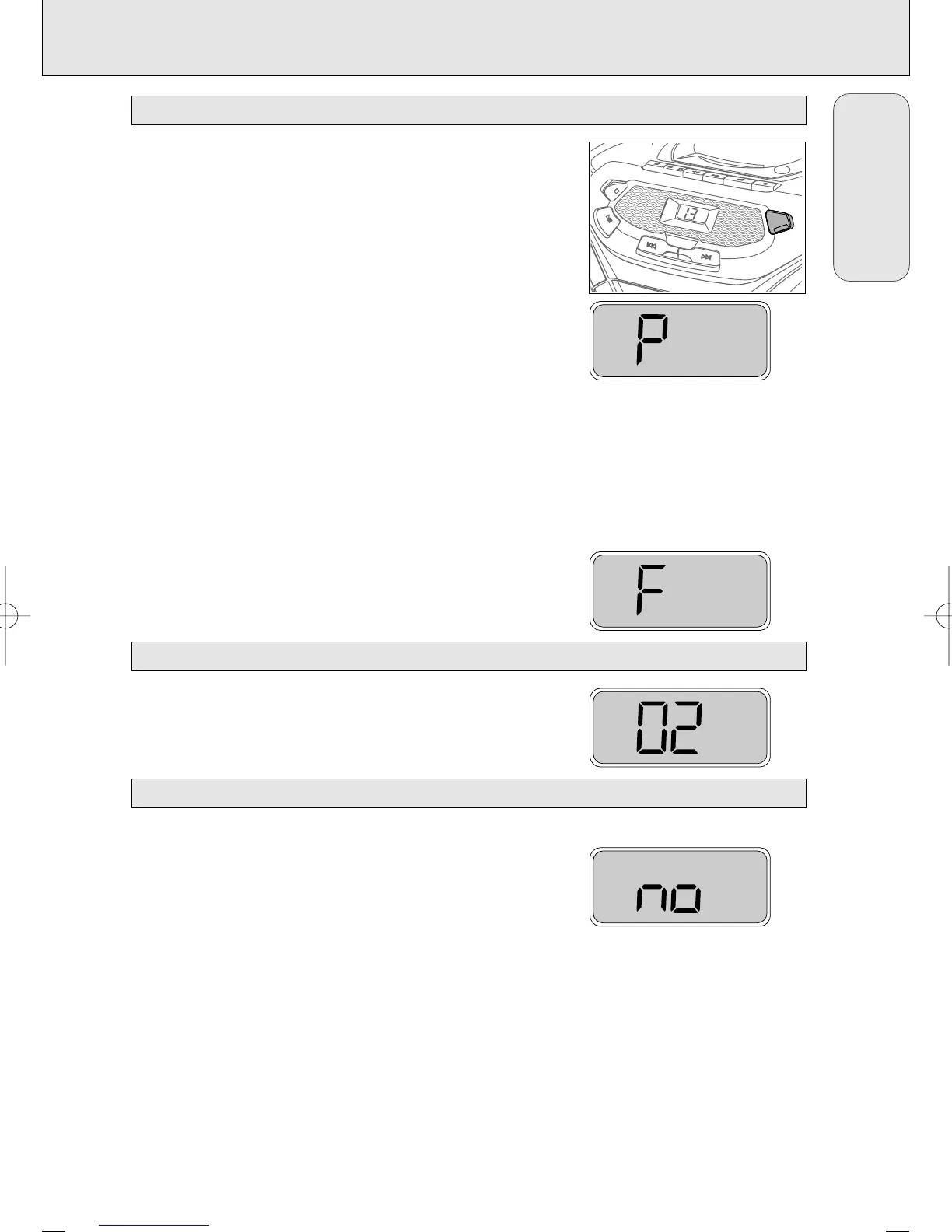
2 As soon as the number of the desired track is displayed, press
CD MODE to store the track in the memory.
™
PROGRAM appears on the display. P lights up briefly, then the
number of the stored track is shown.
3 Select and store all desired tracks in this way.
4 You can review your settings by pressing and holding CD MODE
for more than 1 second.
™ The display shows all stored track numbers in sequence.
If you try to store more than 20 tracks, the display shows F.
Press 2; to play the program.
When playback is stopped, press 9.
™ no lights up briefly,
PROGRAM disappears and your program
is erased.
Note: The program will also be erased if you:
– interrupt the power supply,
– open the CD compartment, or
– move the
POWER
control.
Erasing the program
PROGRAM
Playing the program
PROGRAM
PROGRAM
C
D RAD
IO C
LASS
ETTE RECO
RDIN
G
AZ1050
SHUFFLE
PROGRAM
PLAY
RECORD
SEARCH
PAUSE
OPEN¥STOP
STOP
PLAY ¥
PAUSE
¥
¥
¥
S
E
A
R
C
H
CD MODE
S
E
A
R
C
H
¥
¥
¥
CD MODE: Programming track numbers
11
English
AZ 1050 /17 page 11
CD PLAYER
AZ1050/17 eng usa 8/1/01 14:47 Page 11


 To Next Page