6EN
q Tape controls
•
Start tape play.
•
/
Fast rewind or fast forward the tape.
•
Stop tape play or open the tape door.
•
Pause tape play.
r OPEN•CLOSE
• Open or close the disc compartment.
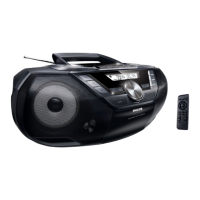
Overview of the remote
control
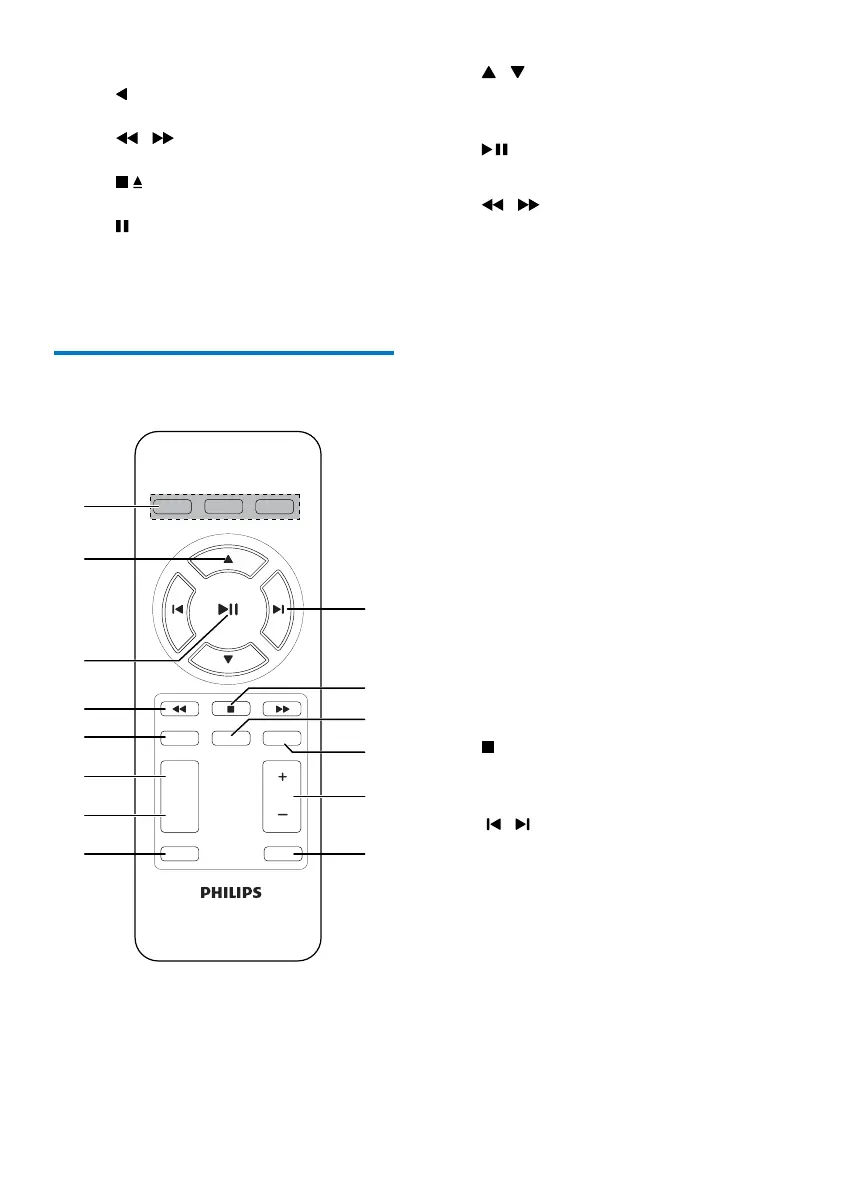
a Source selector: CD, TUNER, USB
• Select a source.
VOL
SHUFFLE
DSC
MUTE
BACKLIGHT
PROG SLEEP
DBB
REPEAT
CD
TUNER
USB
b /
• Skip to the previous or next album.
• Select a preset radio station.
c
• Start or pause play.
d
/
• Search within a track.
e PROG
• Program radio stations.
• Program tracks.
f REPEAT
• Select repeat play mode.
g SHUFFLE
• Selectshufeplaymode.
h DBB
• Turn dynamic bass boost on or off.
i DSC
• Select a preset sound setting.
j VOL +/-
• Adjust volume.
k MUTE
• Mute or restore sound.
l SLEEP/BACKLIGHT
• Set sleep timer.
• Turn the backlight on or off.
m
• Stop play.
• Erase a program.
n
/
• Skip to the previous or next track.


 To Next Page