CD PLAY
12
• If a recordable CD (CD-R) or a rewritable CD (CD-RW) is not recorded
properly, nF dISC is displayed. In that case use FINALIZE on your
CD recorder to complete the recording.
• If you want to play a rewritable CD (CD-RW), it takes 3–15 seconds for
sound reproduction to start once you have pressed 2;.
• Playback will stop if you open the CD lid.
• While the CD is read, 1 -:- is flashing.
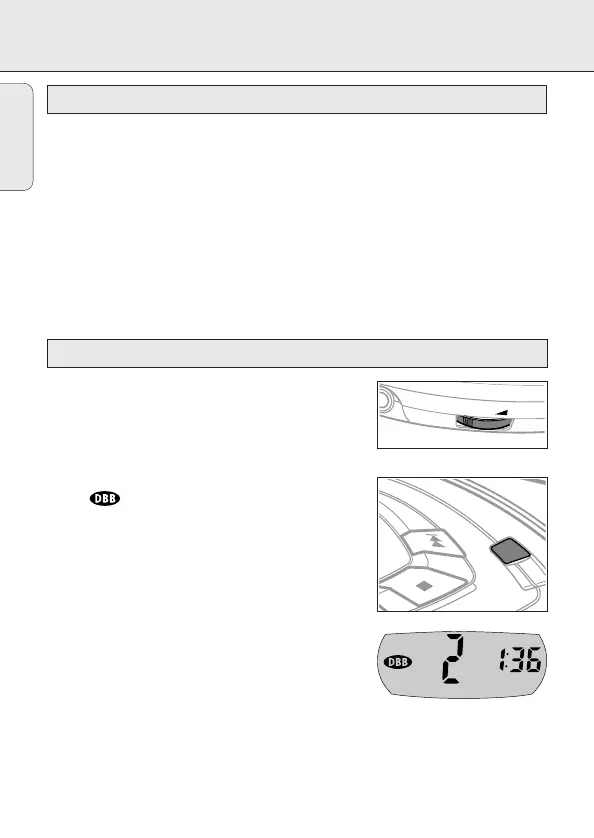
Volume adjustment
• Adjust the volume by using VOL E.
Bass adjustment
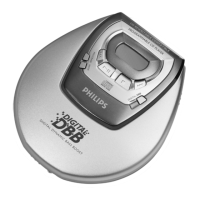
• Press DBB to switch the bass enhancement on or off.
y is shown if the bass enhancement is
activated.
DIGIT
AL DBB
0
V
O
L
.
Volume and bass
Playback information
English


 To Next Page