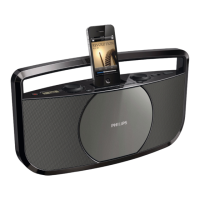
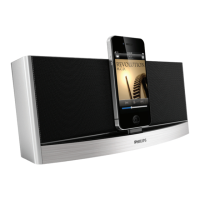
Charge the iPod
When iPod, TUNER, or MP3 LINK source is selected, the docked
iPod begins to charge.
Listen to the radio
Tune to a radio station
1 Push the source selector to TUNER.
2 Push the band selector to FM or MW.
3 Tur n TUNING to tune to a station.
Tip
Position the antenna as far as possible from TV, VCR or other •
radiation source.
For optimal reception, fully extend and adjust the position of the antenna.
•
Listen to an external device
You can listen to an MP3 player through this apparatus.
Note
•
When you connect an external device to MP3 LINK jack, the
apparatus switches to MP3 LINK source automatically.
1 Use a 3.5mm plugs cable (not supplied) on both ends to
connect MP3 LINK jack (3.5mm) on this apparatus and the
headphone jack on an MP3 player.



 To Next Page