16
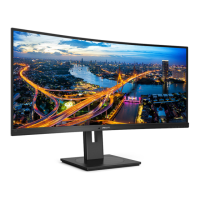
4. USB docking display introduction
3
Setting Audio source
Once USB C to A cable connects
between the monitor and the device,
this USB docking monitor audio
becomes the default sound track
output.
1. Click on the DisplayLink icon,
then, click “Audio Setup”
2. Sound panel pop out, it shows the
default sound track is from this
docking display.
3. To change the sound output source,
right click on the audio default
device, click “Disable” then, it will
switch to the next sound output
device, if you want to switch it
back, right click on the source, click
“Enable”
4
Setting USB docking Ethernet
1. Open “Network Connections”
window, type “ncpa.cpl” into the
Start menu search box:
Or enter Control Panel, select “Network
and Sharing Center”









 To Next Page