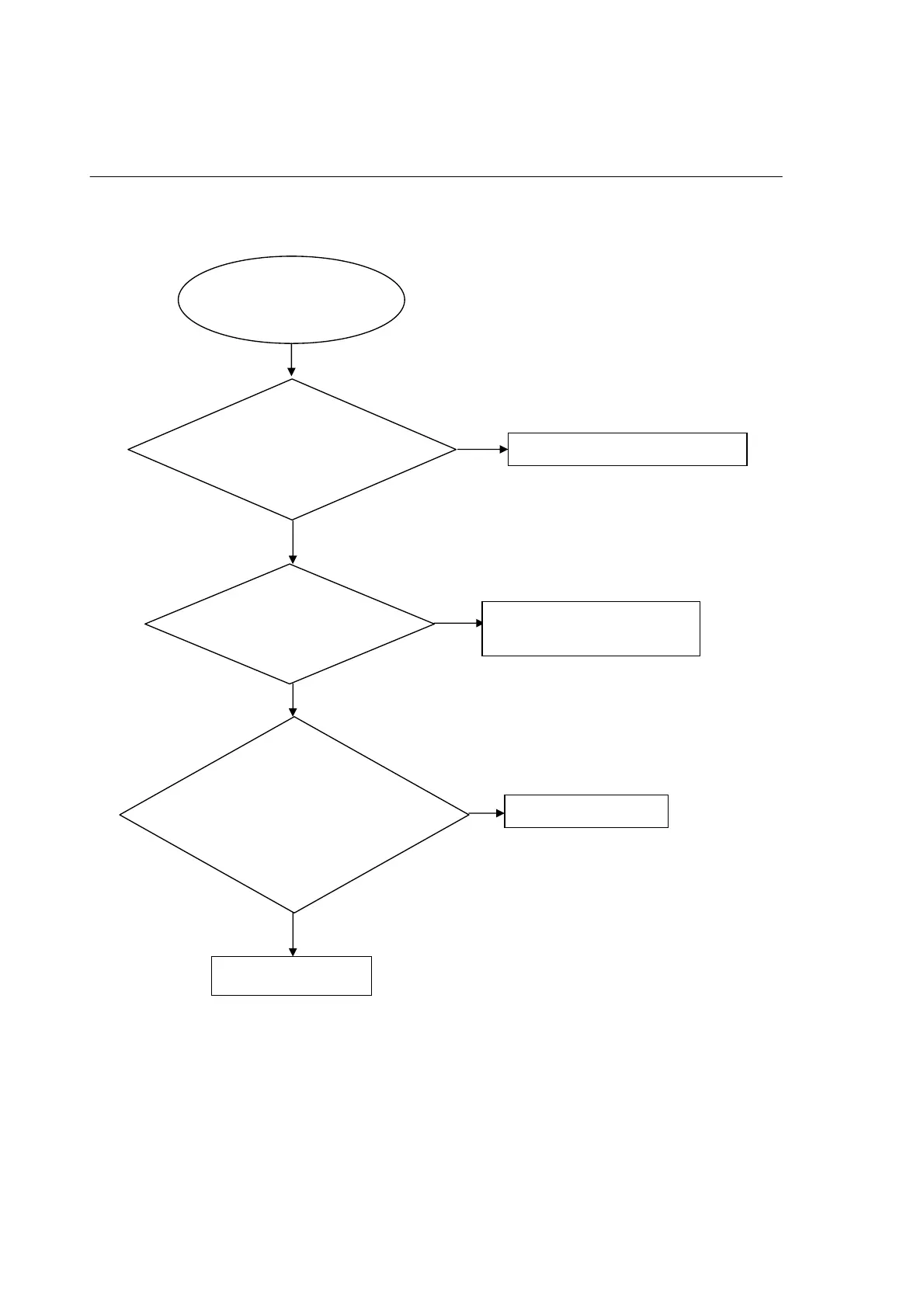
No display on VFD, and buttons do not work
No
No
Yes
No display on VFD, and
buttons do not work
Check every supply voltage on
main board is
normal:XP4(PIN6:5V,PIN7:12V,
PIN10:-24V)
Refer to Power supply board part
Check the front board CN7’s pin
1,2,3 arrive the condition CN1’pin
Correct connection
Replace U2 or VFD
Yes
Yes
No
Check the front board
signals(square-wave)VCLK,VD,
VSTB, (CN1:pin10,11,12),
1.Check the VFD board whether
bad solder exists on U2 and pins of
VFD
2.Check whether the circuit
connected to SW1, SW2, SW3,
SW4 are broken.
Trouble shooting chart
4-1
Yes



 To Next Page