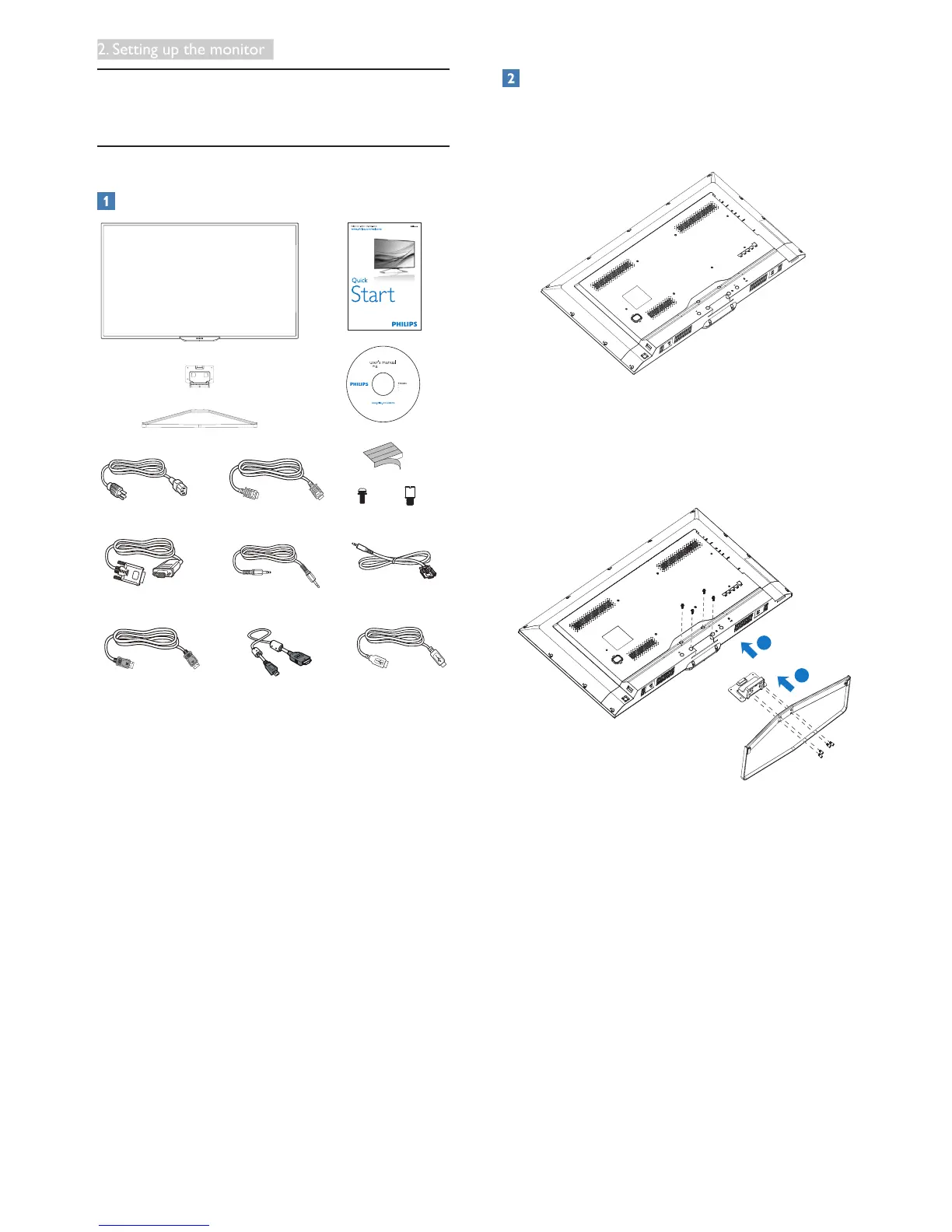
*VGA
Audio
*
RS-232C
conversion cable
Power *HDMI
*USB 3.0
*
DP
*
MHL
x 4
x 4
©
2
0
1
4
K
o
n
i
n
k
l
i
j
k
e
P
h
i
l
i
p
s
N
.
V
.
A
l
l
r
i
g
h
t
s
r
e
s
e
r
v
e
d
.
U
n
a
u
t
h
o
r
i
z
e
d
d
u
p
l
i
c
a
t
i
o
n
i
s
a
v
i
o
l
a
t
i
o
n
o
f
a
p
p
l
i
c
a
b
l
e
l
a
w
s
.
M
a
d
e
a
n
d
p
r
i
n
t
e
d
i
n
C
h
i
n
a
.
V
e
r
s
i
on
Philips and the Philips’ Shield Emblem are registered trademarks of
Koninklijke Philips N.V. and are used under license from Koninklijke
Philips N.V.
Display drivers
SmartControl software
User’s Manual
使用 前请阅读使用说明
保留备用
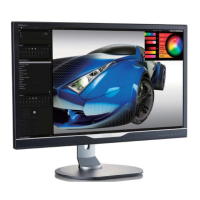
Display
*Depends on the country
Install the base
1. Place the Display face down on soft
and smooth surface taking care to avoid
scratching or damaging the screen.
2. After inserting the base column in the
guide block, tighten the screws. insert the
base into the base column and secure the
base to the column tightly.
2
1











 To Next Page