10 EN
3 On your Bluetooth device, accept the
pairing request with "BT2110". If necessary,
input "0000" as the pairing password.
4 Follow the on-screen instructions to
complete the pairing and connection.
» After successful pairing and connection,
the micro music system beeps twice
and the Bluetooth indicator turns solid
blue.
Note
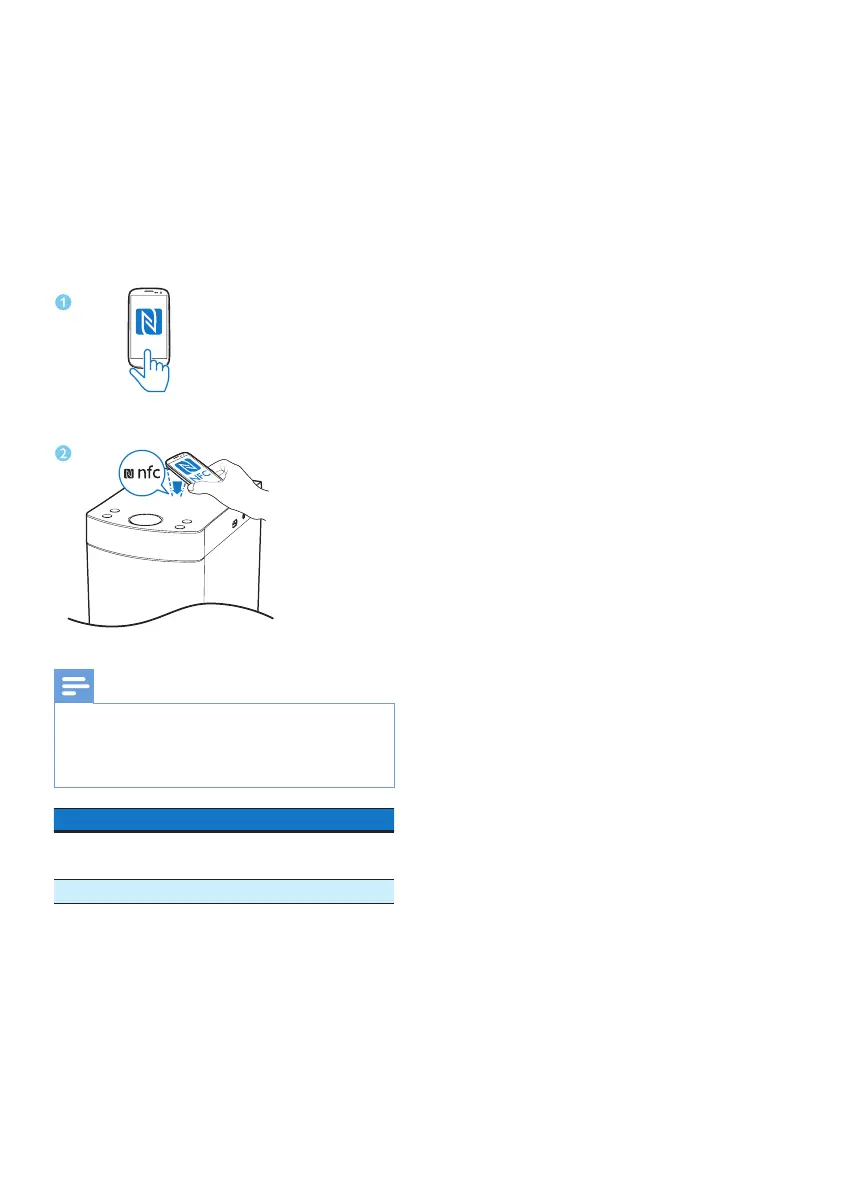
• In standby/ECO standby mode or FM/USB/AUDIO
IN mode, when touching the NFC tag with the back
of your NFC enabled device, the micro music system
automatically switches to BT mode.
LED indicator Description
Flashing blue Connecting or waiting for
connection
Solid blue Connected
NFC



 To Next Page