To Next Page
D
Debbie HendersonAug 29, 2025
What to do if the alarm does not work on my Philips Clock Radio?
- JJessica BanksAug 29, 2025
If the alarm on your Philips Clock Radio isn't working, make sure that you have set the clock and alarm correctly.

What to do if the alarm does not work on my Philips Clock Radio?
If the alarm on your Philips Clock Radio isn't working, make sure that you have set the clock and alarm correctly.
How to improve poor Bluetooth audio quality on Philips Speaker System?
If the audio quality from a connected Bluetooth device is poor, it might be due to poor Bluetooth reception. Try moving the device closer to the soundbar or removing any obstacles between them.
What to do if the buttons on my Philips Speaker System do not work?
If the buttons on the main unit of your Philips Speaker System do not work, disconnect it from the power supply for a few minutes, then connect it again.
Why is there no sound from my Philips Speaker System wireless subwoofer?
If there is no sound coming from the wireless subwoofer of your Philips Speaker System, try the following: * Manually connect the subwoofer to the main unit. * Increase the volume using the Vol+ button on the remote or the + button on the soundbar. * Set the TV output to PCM. * Connect directly to your Blu-ray or other sources, as some TVs may not pass through digital audio. * Confirm that the audio output setting is set to FIXED or STANDARD, not VARIABLE. * If using Bluetooth, ensure the volume on your source device is turned up and the device isn't muted. * If the playback freezes in Wi-Fi mode, check your home network connection.
How to fix no sound from Philips Speaker System soundbar speaker?
If there is no sound coming from the soundbar speaker, try the following: * Connect the audio cable from the soundbar to your TV or other devices. * Select the correct audio input on the remote control. * Ensure that the soundbar is not muted. * You can also reset the product to its factory settings.
What to do if Philips Speaker System subwoofer is idle?
If the subwoofer is idle or its indicator light is off, unplug the power cord from the mains socket, and plug it back in after 3 minutes to reset the subwoofer.
What to do if the front panel knob is loose on Philips Pasta Maker?
If the front panel knob on your Philips Pasta Maker is loose, make sure the front panel is securely assembled.
How to fix Philips Speaker System buttons on the main unit that are not working?
If the buttons on your Philips Speaker System main unit do not work, disconnect the system from the power supply for a few minutes, and then connect it again.
What to do if my Philips Speaker System remote control does not work?
If your Philips Speaker System remote control isn't working, try these steps: * First, select the correct source before pressing any playback control button. * Reduce the distance between the remote and the unit. * Ensure the battery is inserted correctly, aligning the polarities (+/-) as indicated. * Replace the battery with a new one. * Aim the remote directly at the sensor on the front of the unit.
What to do if a device cannot connect with Philips Speaker System soundbar?
If a device can't connect, it might not support the compatible profiles required for the soundbar. Ensure you've enabled the Bluetooth function on the device by checking its user manual. Make sure the device is correctly connected. Also, the soundbar might already be connected to another Bluetooth device; disconnect that device and try again.
 General
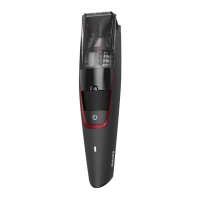
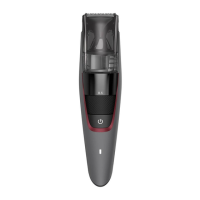
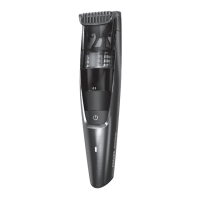
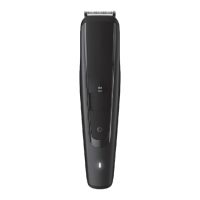
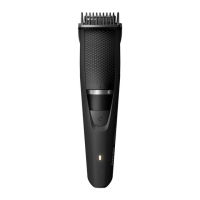
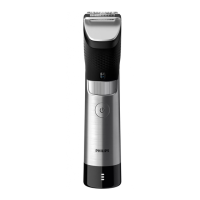
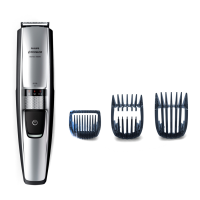
| Brand | Philips |
|---|---|
| Model | BT7205/15 |
| Category | Electric Shaver |
| Language | English |