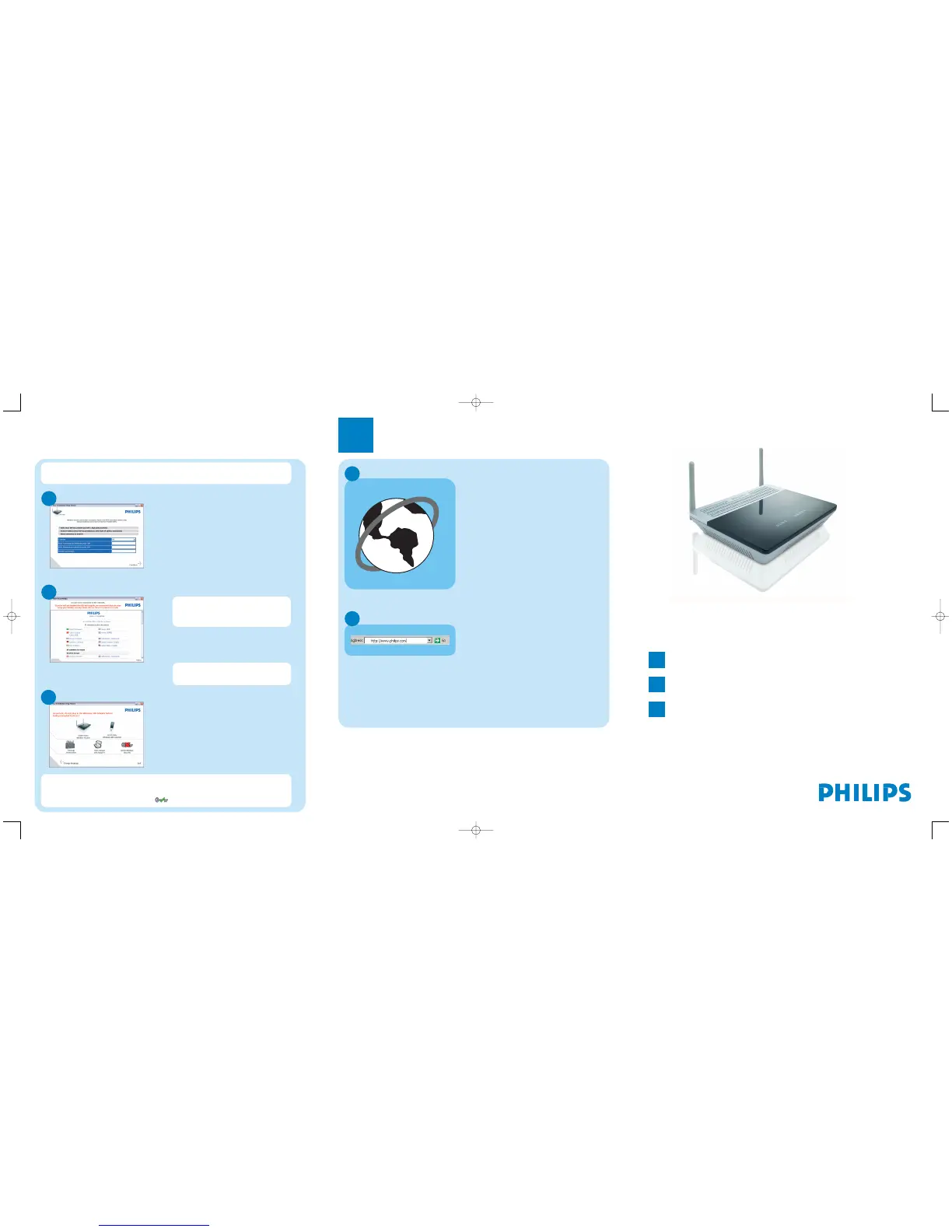
Connected to Internet
E
Enter Internet Service Provider settings
D
O Fill in the fields using the
information provided by your
Internet Service Provider
O Click on Continue
> A progress bar screen will be
displayed,your settings will be saved
and you will be connected to Internet
> The next screen will be displayed
Once the installation completed,
the following screen will be
displayed.
O Click on Menu if you want to
go back to the menu screen
Depending on your modem settings,you might have the following screen
displayed.
Secure your network
F
Your WiFi network is running
but not secured.
O Click on Set Encryption
> Your WiFi network will be secured by
generating automatically an
Encryption key and a network
name (SSID)
Open Internet address
B
O Enter Internet address
For example:www.philips.com
O Select GO
3
Enjoy
A
Open Internet browser
Wireless freedom
Enjoy the freedom of wireless networking.Your computer is
now ready for full use anywhere in your home.
Welcome to Philips!
Register your product and get support at
www.philips.com/welcome
Quick Start Guide
1
Install
2
Connect
3
Enjoy
CAW7740N
At any time you can retrieve your wireless security settings using your
installation CDROM on the computer where you installed your gateway and
by clicking on the security icon of the menu page.


 To Previous Page