9
English
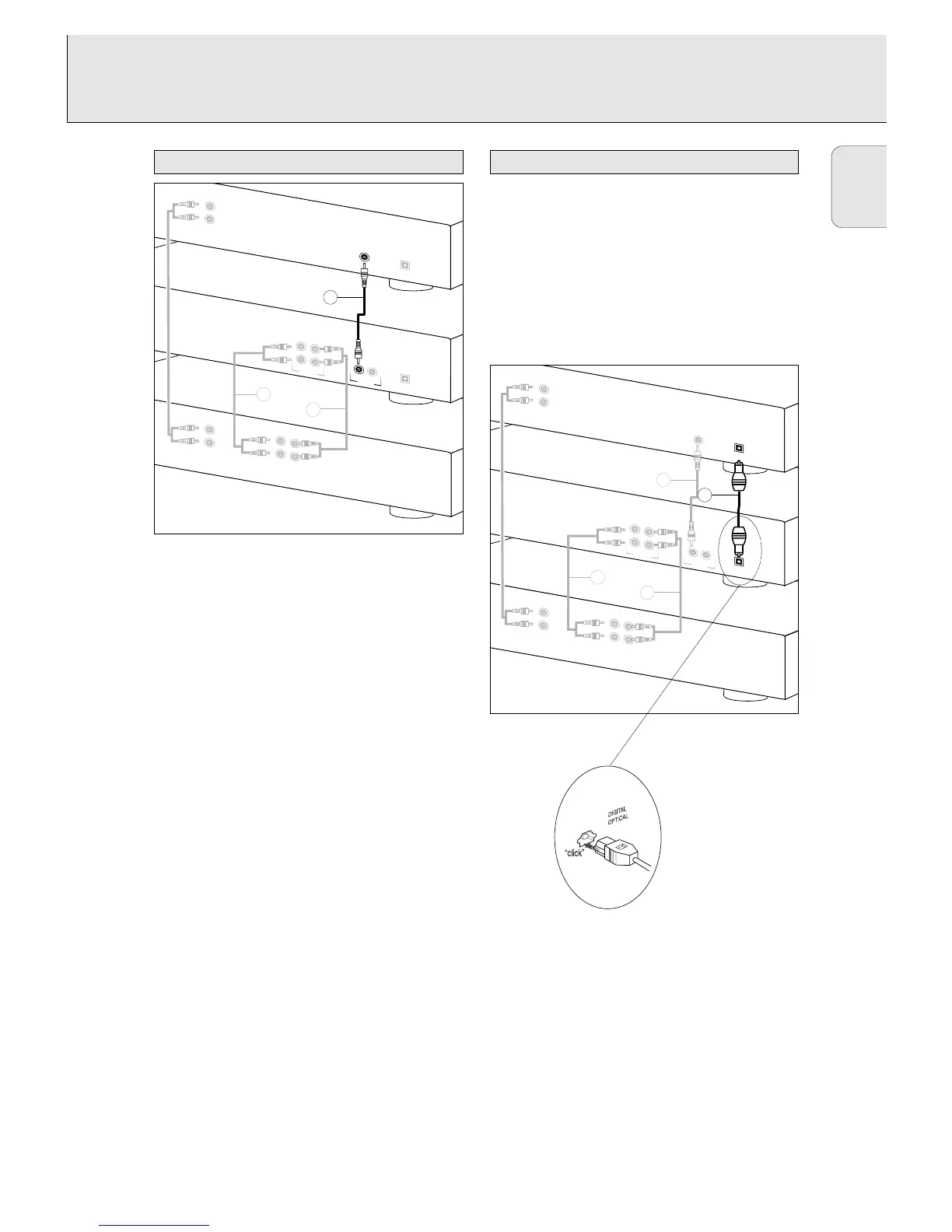
Use the supplied cable with the black plugs.
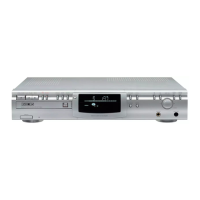
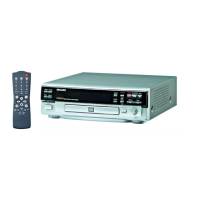
1 For recording, connect the cable 3 between the DIGITAL
IN socket on the CD recorder and the DIGITAL OUT socket
of a CD player.
Note: Your CD recorder is equipped with a digital coaxial
output. This output can be used for digital playback.
1 Remove the dust caps from the digital optical connections.
(We recommend that you save the caps).
2 For recording, connect a fiber-optic cable 4 between the
digital optical input of the CD recorder and the digital-
optical output of a CD player.
Note: For playback the digital coaxial output or analogue
output should be connected to an amplifier.
When connecting the Digital Optical
cable, make sure it is fully inserted
until there is a click.



 To Next Page