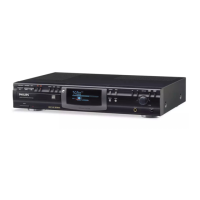
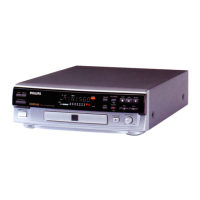
Display indications
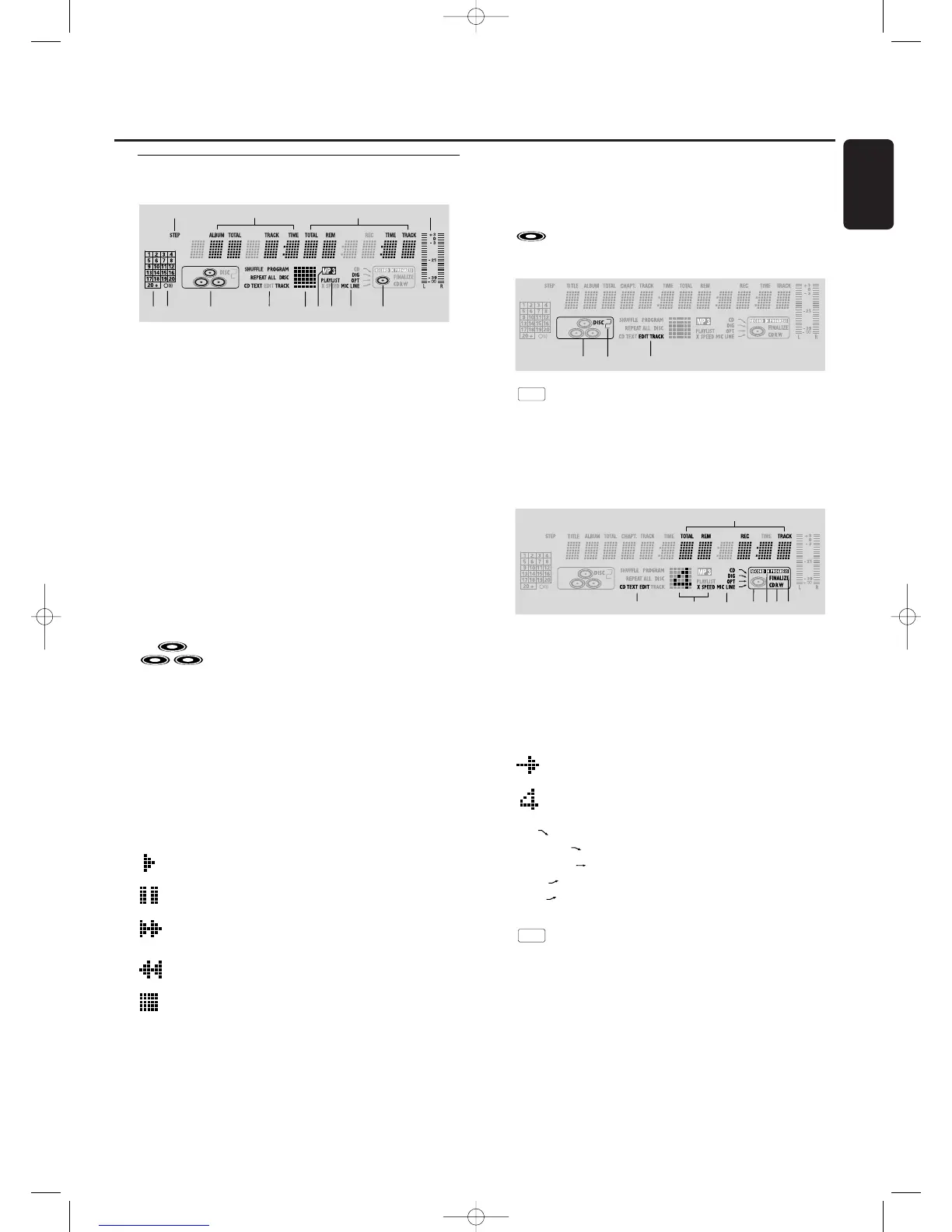
General
1 STEP
indicates the number of tracks in a program
2 TOTAL TIME - total time of recording source
TRACK -track number
ALBUM - album number (MP3)
TOTAL TRACK -total amount of tracks on the disc
3 TRACK TIME - track time
REM TRACK TIME - remaining track time
TOTAL REM TIME - total remaining time
4 L/R = =
indicates the audio signal level
5 Music calender (not active for MP3 discs) - indicates:
- number of tracks on a disc or in a program
- number of track in play
6 } remote control active
7 - CD(s) inserted in compartment
1, 2 and/or 3
8 SHUFFLE - plays tracks in random order
PROGRAM - flashes during programming/ lights in
program mode
REPEAT ALL - lights up when all tracks on all discs in the
set are repeated/when a program is repeated
REPEAT DISC - lights up when a complete disc is
repeated
REPEAT TRACK - lights up when a track is repeated
CD TEXT - CD TEXT available
9 Status matrix
- playback
- pause
- fast search forward
- fast search backward
- stop
0 MP3
CD selected contains MP3 files
! PLAYLIST
playlist of MP3 album selected
@ DIG(ital) - coaxial digital input selected
OPT(ical) - optical digital input selected
LINE - analog line input selected
MIC LINE - microphone input selected
# - CD inserted
CD Changer
1 - CD changer selected
2
DISC
2 - disc in play or selected
3 EDIT TRACK
Lights up when the A-B- Edit feature is activated
CD recorder
1 TOTAL REM REC TIME - remaining recording time
REM REC TIME - remaining time on CDR(W)
REM TIME - remaining time when finalkizing erasing
2 CD TEXT EDIT - lights up when the Text Edit feature is
activated
3 Status matrix
-
recording active (flashes)
-
X SPEED- recording speed
4 CD - internal recording activated
DIG(ital) - digital input selected for external recording
OPT(ical) - optical input selected for external recording
LINE - analog input selected for external recording
MIC - microphone input selected for internal/external
recording
5 - CD recorder selected
6 RECORD IN PROGRESS - lights during recording
7 CD - CD inserted (a pre-recorded CD or finalized CD-R or
CD-RW disc)
CD R - unfinalized CD R disc inserted
CD RW - unfinalized CD RW disc inserted
8 FINALIZE - lights up during finalizing a recording, or when
the disc will be finalized after the current recording.


 To Next Page