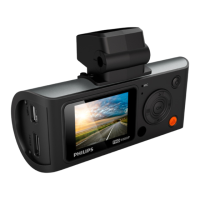
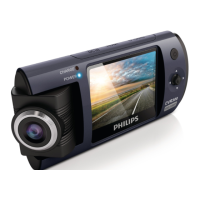
10 EN
6 Playback
Video playback
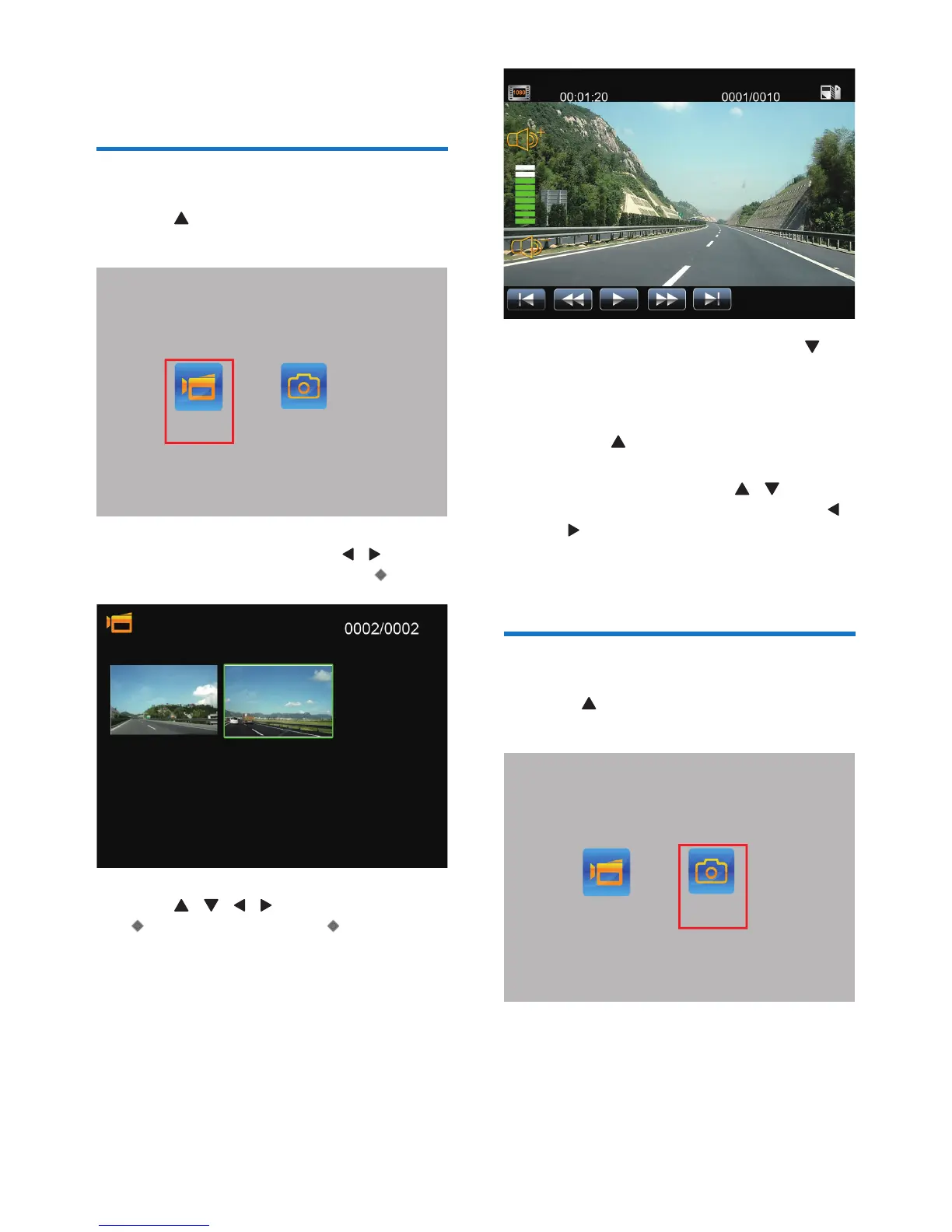
1 Press to enter video/photo playback
mode.
2 In the playback screen, press / to select
video playback mode, then press .
3 Press / / / to select a video, press
to view the video, press again to play
the video.
,PDJH9LGHR
• In the video pause screen, press
to manage videos, you can delete the
current video, all videos, or exit the
menu.
• Press to return to video recording
mode.
• During playback, press / to
increase or decrease volume, press /
to fast reverse or fast backward.
• During playback, you can pause/restart
the video, or delete the video.
Photo playback
1 Press to enter video/photo playback
mode.
,PDJH9LGHR


 To Next Page